Convert HTML to PDF
Convert HTML files into clean, professional PDFs that are easy to share, archive, or print. Smallpdf Pro handles unlimited conversions and saves your finished documents straight to the cloud.
 ISO/IEC 27001
 GDPR
GDPR CCPA
CCPA nFADP
nFADP
- 5MPDFs edited monthly
- 1B+Users worldwide
- 10K+Business teams
- 2013Trusted since
- +40PDF tools
 4.4
4.4 4.6
4.6 4.6
4.6
Get both Smallpdf and Sign.com with one subscription.
Convert HTML to PDF Anywhere

Conversion Without the Hassle
No software downloads or complex setup required. Simply upload your file and convert HTML to PDF online directly in your browser.
Built for Simple HTML Document Conversion
Whether your file was exported from a website, saved from a browser, or written as HTML code, our online converter handles standard .html documents quickly and easily.
Great for Documentation and Sharing
PDFs are easier to distribute and archive than HTML files. Turning HTML into PDF makes it simple to share documentation, reports, or exported web content.
Works on Any Platform and Device
Our HTML to PDF converter works on Mac, Windows, Linux, iOS, and Android. Upload your file from any browser and convert HTML to PDF in seconds.
Consistent Output for Easy Viewing
Once you generate PDF from HTML, the document becomes easy to view, download, print, or store. You get consistent format across devices and operating systems.
Safe & Secure at Every Step
We’re GDPR compliant and ISO/IEC 27001 certified. TLS encryption protects your files during upload and download. All documents are automatically deleted an hour after processing to keep your data secure.
How to Convert HTML to PDF Online
- Upload or drag & drop your file into the HTML to PDF converter above.
- Click “Convert” to start converting HTML to PDF.
- Wait a moment while your file processes.
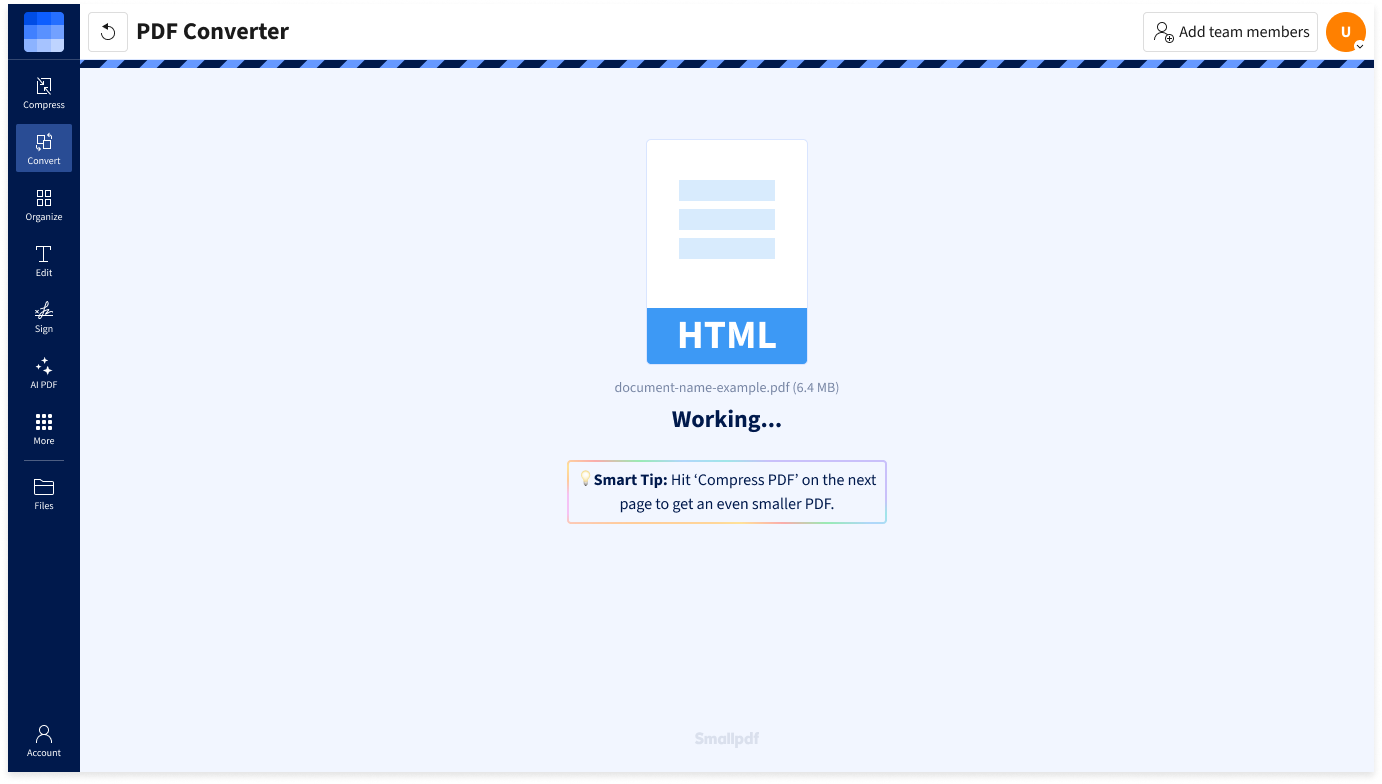
- Download your new PDF document. That's it!
FAQs About Smallpdf’s HTML to PDF Converter
How do I convert HTML to PDF?
Upload your .html file into the HTML to PDF converter at the top of this page and wait just a second as we process your document. Your new PDF will be ready to download in seconds.
How is this different from saving a webpage as a PDF in Chrome?
Browser tools like Chrome HTML to PDF allow you to print a webpage as a PDF. Our converter works by uploading an HTML file and turning it into a standalone PDF document.
Can I convert HTML to PDF on Mac or mobile?
Of course. Our online HTML to PDF converter works directly in your browser. You can convert .html files on Mac, Windows, Linux, iOS, or Android.
Is my data secure when converting HTML to PDF?
Yes. Files are protected with advanced TLS encryption during upload and download. For additional privacy, all uploaded HTML files and generated PDFs are automatically deleted after one hour, unless you choose to save them on our secure servers.