PPT to PDF
1B+ users
Secure file transfer with TLS encryption. All files are automatically deleted.
Convert PowerPoint presentations into PDFs that hold their design and layout on any screen. With Smallpdf Pro, you can convert unlimited slide shows and store every file safely in the cloud.
 ISO/IEC 27001
 GDPR
GDPR CCPA
CCPA nFADP
nFADP
- 5MPDFs edited monthly
- 1B+Users worldwide
- 10K+Business teams
- 2013Trusted since
- +40PDF tools
 4.4
4.4 4.6
4.6 4.6
4.6
Get both Smallpdf and Sign.com with one subscription.
Everything You Need in a PPT to PDF Converter

Fast, Simple Conversion
Upload your PPT or PPTX file, then download the converted PDF when it’s ready. Nothing to install.
Preserve Slide Design & Layout
Your PDF keeps the visible layout of your slides, including fonts, images, and clickable hyperlinks. Animations and transitions do not carry over.
Works on Any Device
Convert PPT and PPTX files in your browser on Mac, Windows, Linux, iPhone, or Android.
Secure & Private File Processing
Smallpdf uses TLS encryption during file transfer, and uploaded files are automatically deleted after one hour.
40+ Tools for Every PDF Task
After converting, compress, merge, edit, and rearrange pages, or protect your PDF with Smallpdf.
Designed for Teams & Professionals
Seamlessly share your converted PDF with colleagues, clients, or students with our built-in sharing options.
How To Convert PPT to PDF Online
- Import or drag and drop your PPT or PPTX file to our PDF converter.
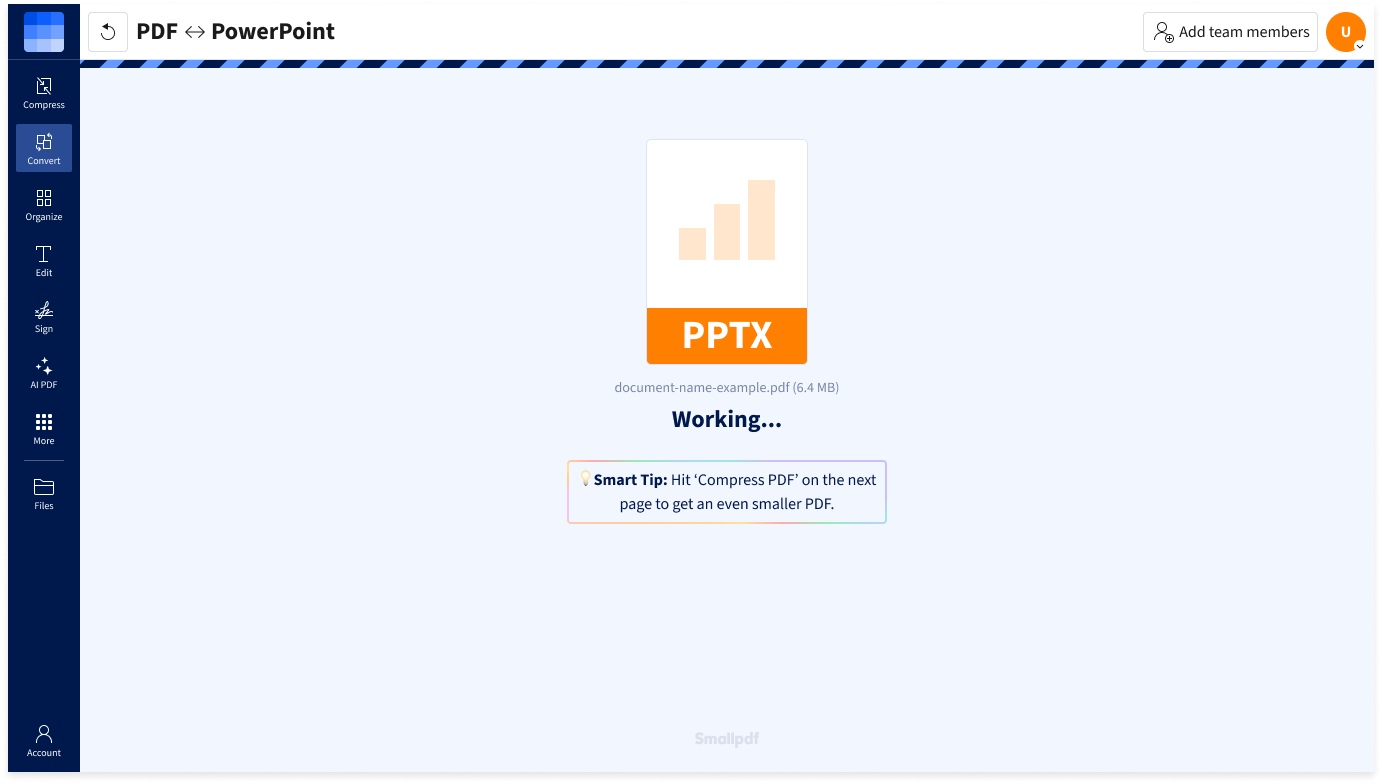
- Wait a few seconds while Smallpdf converts it to PDF.
- Download your PDF, or continue with another Smallpdf tool to edit, compress, sign, or share it.