Word to PDF Converter
Convert Word documents to PDFs while preserving fonts, layout, and formatting. Smallpdf Pro converts unlimited files and processes entire batches at once on a secure Swiss platform trusted by millions.
 ISO/IEC 27001
 GDPR
GDPR CCPA
CCPA nFADP
nFADP
- 5MPDFs edited monthly
- 1B+Users worldwide
- 10K+Business teams
- 2013Trusted since
- +40PDF tools
 4.4
4.4 4.6
4.6 4.6
4.6
Get both Smallpdf and Sign.com with one subscription.
What You Get With Our Word to PDF Converter

Fast Online Conversion for DOC and DOCX Files
Upload a Word file, and we handle the rest. Your PDF is ready in seconds. The converter supports both the older DOC format and the current DOCX format, so it works with any version of Microsoft Word.
Secure Word to PDF Conversion
We permanently and automatically remove converted files from our servers after one hour. If you’d rather keep your converted Word files stored online, create a Smallpdf account.
Convert Word Documents on Any Device
As an online tool, the Word to PDF converter works in your browser on any device. Convert your Word files on PC, Mac, iOS, Android, or any other operating system with no installation needed.
Convert Other File Types Too
The converter handles more than Word files. You can also turn JPG, PNG, XLSX, and PPTX files into PDFs using a single suite of powerful file conversion tools.
Batch Conversion With Smallpdf Pro
Converting a lot of Word files at once? With Smallpdf Pro, you don’t have to handle them one by one. Upload all documents in one go, and Smallpdf will convert them all.
Save and Edit in the Cloud
Save your converted documents to your cloud storage of choice. Smallpdf integrates with Google Drive, Microsoft OneDrive, and Dropbox.
How to Convert Word to PDF Online
- Drag and drop any Microsoft Word document (DOC or DOCX) into Smallpdf’s converter.
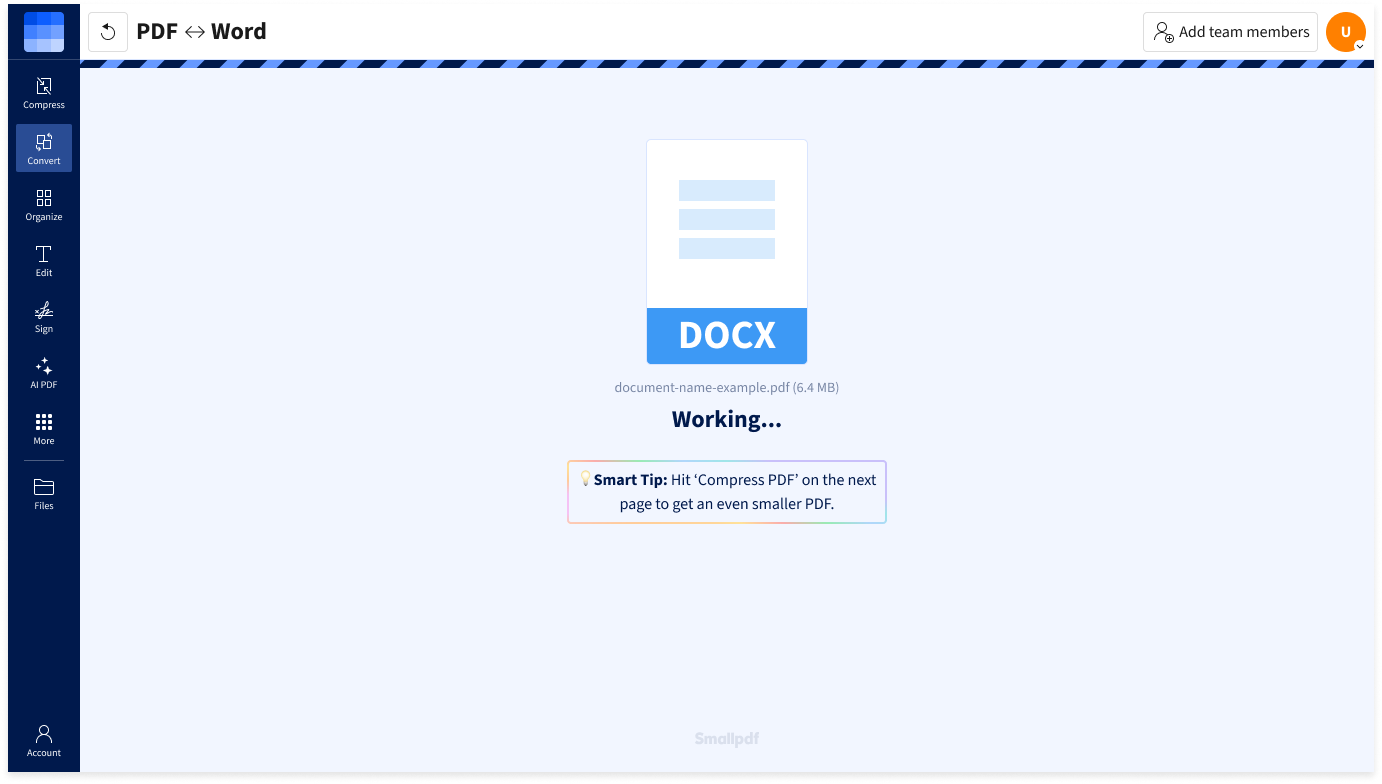
- Conversion will start automatically, and your new PDF will be ready in seconds.
- If needed, continue working on your PDF with other tools.
- Hit the ‘Download’ button to save your PDF.
Convert Word to PDF FAQs
How do I save a Word document as a PDF?
Upload your Word document (DOC or DOCX) to the converter, wait a few seconds, and download the PDF. You can also drag and drop the Word file directly from your desktop. The conversion keeps your formatting, fonts, and layout intact.
Does Smallpdf’s converter support DOCX files?
Yes. The converter supports both DOC and DOCX files to PDF. DOCX is the default format for Microsoft Word 2007 and later, so your Word documents will get converted without any extra steps.
Can I convert other Microsoft Office formats?
Our PDF converter effortlessly handles conversions to and from various file types, including Word (DOC, DOCX), Excel (XLS, XLSX), PowerPoint (PPT, PPTX), and 20 other formats, including images.
Is Smallpdf safe to use?
File transfers use 256-bit TLS encryption. All files are automatically deleted from our servers after one hour, unless you save them to your Smallpdf account. On top of that, Smallpdf is annually audited and ISO/IEC 27001-certified.
I have other questions about Word to PDF conversion!
No problem! We have a support team to assist you with all PDF-related needs. Contact us via support@smallpdf.com.