PDF Reader Online
1B+ users
Secure file transfer with TLS encryption. All files are automatically deleted.
Open and read any PDF in a clean, distraction-free viewer that works right in your browser. Smallpdf Pro keeps all your documents in one secure library, ready to open on any device.
 ISO/IEC 27001
 GDPR
GDPR CCPA
CCPA nFADP
nFADP
- 5MPDFs edited monthly
- 1B+Users worldwide
- 10K+Business teams
- 2013Trusted since
- +40PDF tools
 4.4
4.4 4.6
4.6 4.6
4.6
Get both Smallpdf and Sign.com with one subscription.
What You Get With Our PDF Reader

Easy-to-use Online PDF Reader
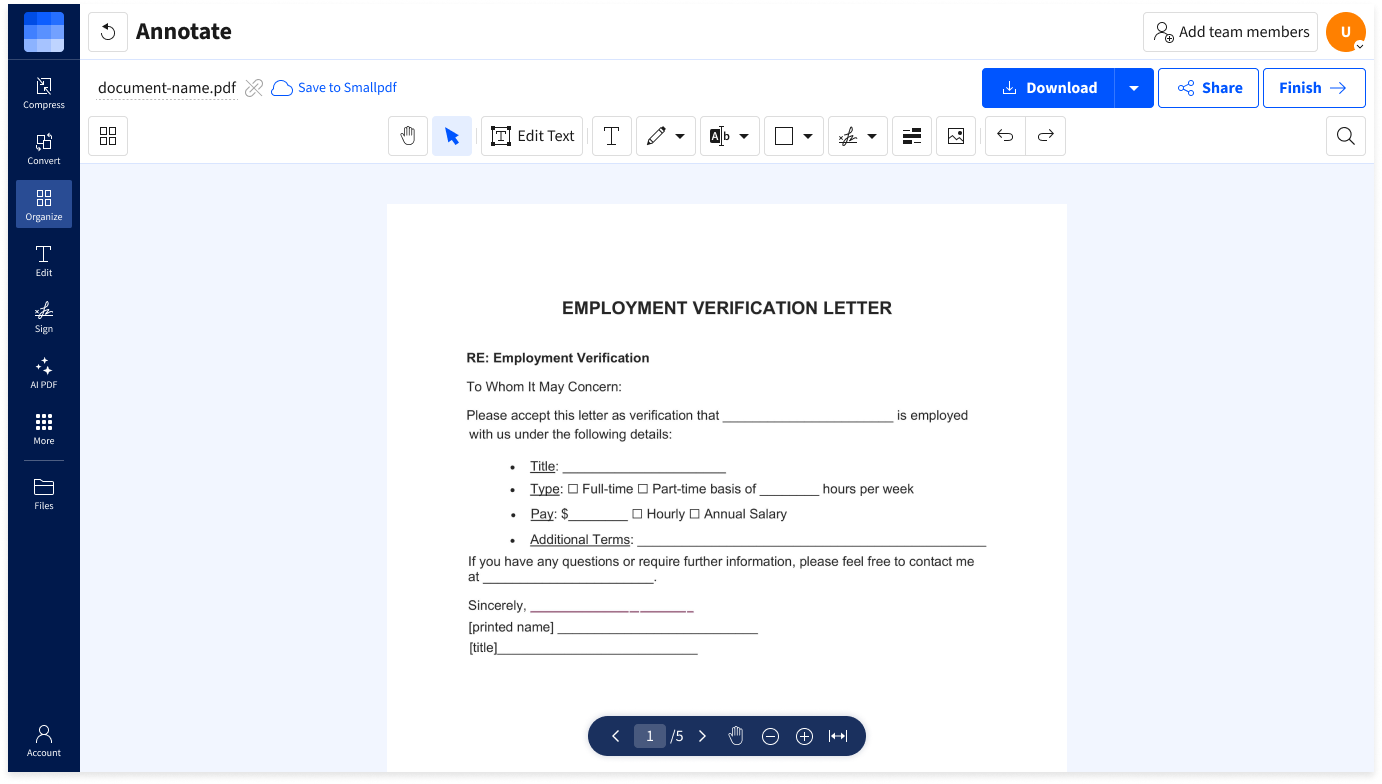
Smallpdf provides a simple drag & drop interface to quickly view, manage, and organize your PDFs online. You can also edit and annotate PDFs or share them with others.
Enhance Your Digital Documents
Our PDF Reader is more than it may seem. View, fill, and markup PDFs online, plus compress files or convert them to images and other formats for export to Dropbox or Google Drive.
Secure Connection
All our PDF tools utilize TLS encryption to guarantee the highest level of security. To further protect your data, our system automatically deletes all documents one hour after use.
Offline PDF Reader
If you prefer reading your PDF documents offline or don’t always have access to the internet, you can use our offline Windows desktop app to open and read PDFs on your desktop device or laptop.
Universally Compatible
As an online PDF Reader, you can use this tool with any web browser on any operating system, including mobile devices. It also works with scanned documents, and thanks to auto-saving, you never lose your work.
How To Use the Online PDF Reader:
- Import or drag & drop your PDF file to our reader.
- Read your PDF with ease directly in your browser.
- Edit, annotate, reorder, or extract pages if desired.
- Click to “Export” any edits as a new PDF or other file type.
- Download your edited PDF if needed—that’s it!