PDF OCR
Turn scanned documents and image-based PDFs into searchable, selectable text in seconds. With Smallpdf Pro you can run OCR on unlimited files and save the results straight to your cloud storage. Built with a Swiss approach to security in mind.
 ISO/IEC 27001
 GDPR
GDPR CCPA
CCPA nFADP
nFADP
- 5MPDFs edited monthly
- 1B+Users worldwide
- 10K+Business teams
- 2013Trusted since
- +40PDF tools
 4.4
4.4 4.6
4.6 4.6
4.6
Get both Smallpdf and Sign.com with one subscription.
Make Any PDF Readable With OCR

OCR on Any Device
Smallpdf is cloud-based, so you can run OCR online via any browser and on any device—desktop, tablet, and mobile.
Turn PDF Images Into Selectable Text
You open a PDF, try to copy some text, and realize it’s one of those scanned PDF documents that can’t be copied. Until now. Get selectable text from any PDF in seconds.
Translate Scanned Documents
Our PDF OCR tool turns scanned files into useful text—and then it can translate it into multiple languages. So you can read in your native language, or translate into someone else’s.
Export PDF to Searchable Word Doc
Once you’ve used OCR to get readable text, you can save your file as a searchable PDF—or convert it to a Word document. We’ll do all the work for you.
Love PDFs for the First Time
No downloads, no signups. We’ve made it so easy to extract PDF pages, people may get tired of hearing you say ‘I love PDF.’
Data Compliance From Start to Finish
Smallpdf is GDPR compliant, so you can trust we’re transparent about how we store, collect, and process personal data.
How To Do OCR on PDF
- Import or drag & drop your file to our PDF OCR tool.
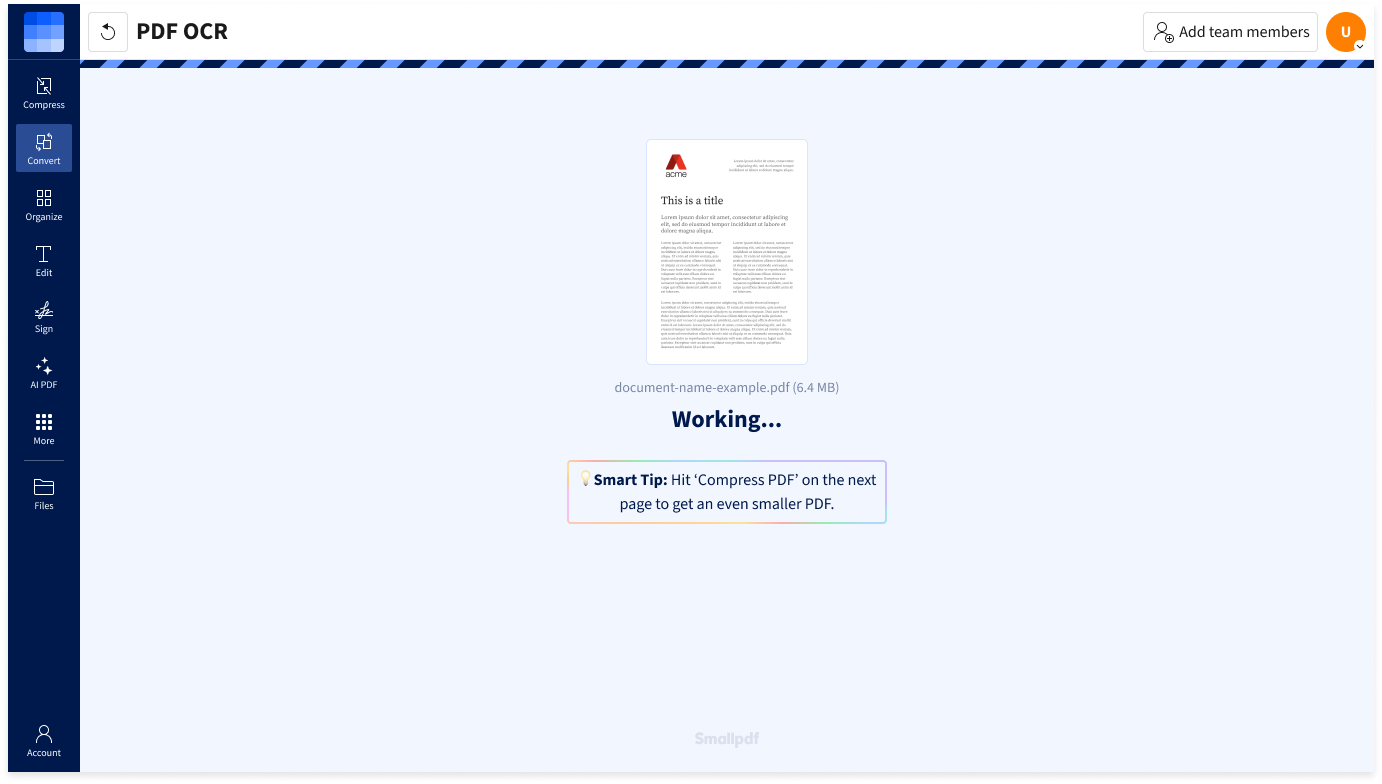
- Wait a few seconds while our OCR tech works its magic.
- Edit the PDF with our other tools if needed.
- Download or share your editable PDF file—done!
FAQs About Our PDF OCR Tool
What Is OCR?
Optical Character Recognition (OCR) is a technology that converts printed or handwritten text from documents or scanned images into editable and searchable digital text. This conversion simplifies text manipulation and sharing, and enhances accessibility for visually impaired individuals through screen readers.
Can I convert a PDF file into a Word doc I can edit using OCR?
Absolutely. The first thing to do is make sure you have a searchable, selectable PDF document. If your PDF text isn’t readable, that’s where the OCR technology comes in. After that, you can easily convert your searchable PDF to Microsoft Word with our online PDF to Word Converter.
Does OCR on PDF documents work for any language?
Smallpdf's online OCR tool can translate scanned documents into almost any language, making them both readable and searchable. This allows you to not only read PDFs in your native language but also automatically convert them into the languages of your target audience.