- Home
- ›PDF OCR
PDF OCR
Make scanned PDFs searchable and selectable for free. Improve accessibility and usability without the need for manual transcription—all from your browser.
- Recognize text in scanned PDF files
- Make PDF text searchable and selectable
- Run OCR in your browser on any device
Turn Scanned PDF Into Searchable, Selectable Text
Need to make a scanned PDF searchable? Use OCR to recognize text in contracts, research papers, records, and other image-based documents. You can then search, select, and copy the text instead of retyping it by hand.
From Static PDF Image to Searchable PDF Text
Our PDF OCR tool extracts text from PDFs that are essentially images, allowing you to search and select the text you need. What was once a frustrating, unsearchable document becomes a fully functional file you can work with.

Work With Text in Older Scans
OCR can recognize text in scanned documents that cannot normally be searched or copied. Results depend on the clarity, contrast, and resolution of the original scan.

Make Scanned PDFs Easier to Access
Recognized text can help screen readers process scanned content more effectively. OCR is a useful first step, though full PDF accessibility may require further changes.

How To Do OCR on PDF for Free
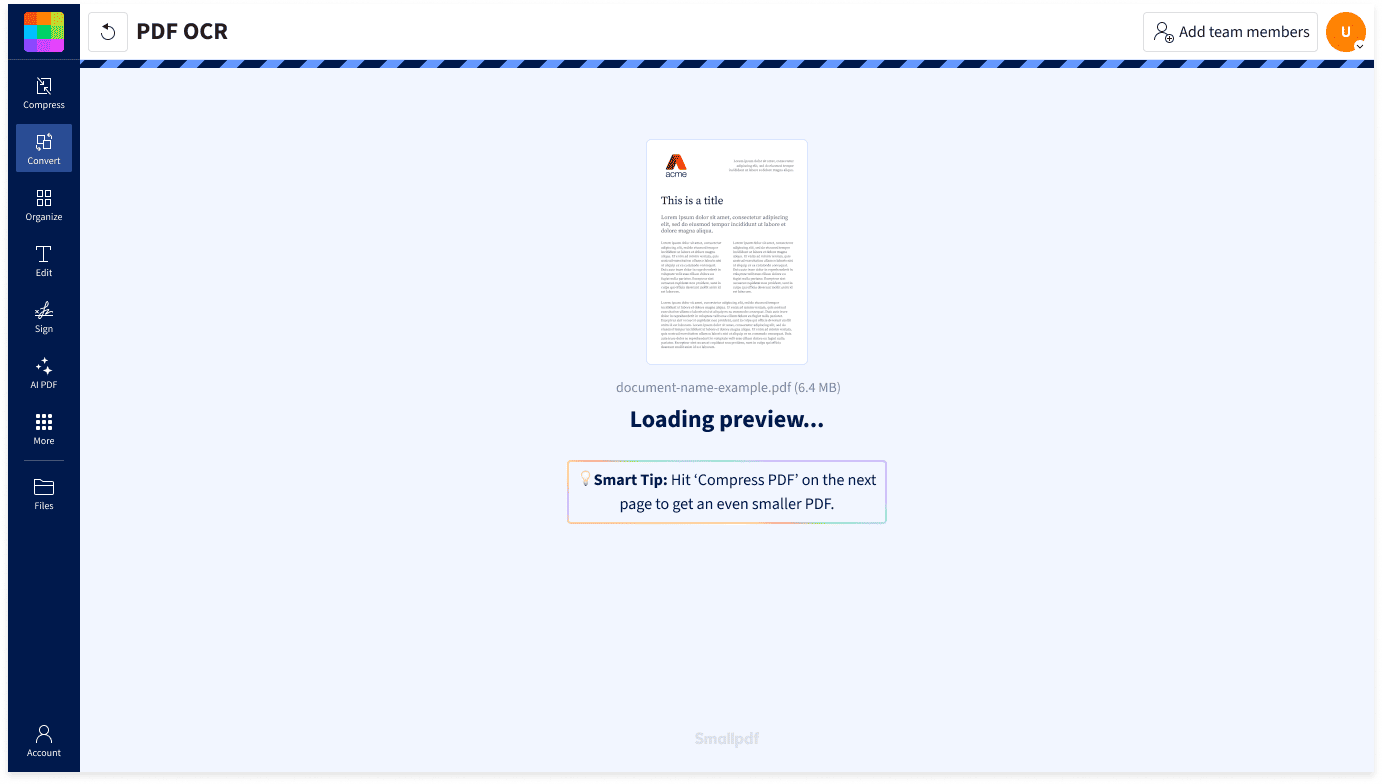
- Import or drag & drop your file to our PDF OCR tool.
- Wait a few seconds while our OCR tech works its magic.
- Edit the PDF with our other tools if needed.
- Download or share your searchable PDF file—done!
Make PDF Readable With OCR

OCR on Any Device
Smallpdf is cloud-based, so you can run OCR online via any browser and on any device. Whether you’re on an iPhone, Android phone, Windows PC, or Mac, you can make your PDFs searchable wherever you are.
Turn PDF Images Into Selectable Text
You open a PDF, try to copy some text, and realize it’s one of those scanned PDF documents that can’t be copied. This happens because the PDF is actually an image of text, not real text. Our OCR tool fixes that, giving you selectable text from your PDF in seconds.
Translate Scanned Documents
Use OCR to recognize the text in your scanned PDF. You can then open the searchable document in Smallpdf’s Translate PDF tool to convert it into another language.
Export PDF to Searchable Word Doc
Once you’ve used OCR to get readable text, you can save your file as a searchable PDF—or convert it to a Word document with our PDF to Word Converter. We’ll do all the work for you.
Simple, Fast, and Frustration-Free
No downloads, no signups, no complicated settings. Just drop your scanned PDF into the tool and get searchable text back. Making PDFs searchable has never been this easy.
Data Compliance From Start to Finish
Smallpdf processes personal data in line with GDPR requirements. Uploaded files are protected with 256-bit TLS encryption and deleted after one hour unless you save them to your Smallpdf account.
FAQs About Our PDF OCR Tool
What Is OCR?
Optical Character Recognition (OCR) is a technology that converts printed or handwritten text from documents or scanned images into editable and searchable digital text. This conversion simplifies text manipulation and sharing, and enhances accessibility for visually impaired individuals through screen readers.
Can I convert a PDF file into a Word doc I can edit using OCR?
Yes. First use OCR to make the text in your scanned PDF searchable and selectable. You can then open the file in Smallpdf’s PDF to Word Converter to create a Word document.
Does OCR on PDF documents work for any language?
Smallpdf's OCR tool can recognize text in many different languages, making scanned documents both readable and searchable. Once the text is recognized, you can also use our translation feature to convert the content into other languages for your target audience.
Can I use the Smallpdf OCR online tool for free?
Yes! You can use Smallpdf's OCR tool for free. Our online PDF tools are free to use, though some limits apply. So you can run your PDFs through OCR, reduce document file sizes, convert between PDF and other file types like MS Office files, JPG, PNG, and GIF—and so much more. For OCR, just drop your docs into the box at the top of this page.
Which file formats does the online OCR tool support?
Smallpdf's online OCR tool accepts PDF, Word, PowerPoint, Excel, JPG, BMP, GIF, TIFF, and more.

Document Work Made Easy
Boost productivity in your business with unlimited access to all Smallpdf’s tools for taking the hassle out of document work. Do more, better, faster.