- Home
- ›Excel to PDF
Excel to PDF
Convert Excel to PDF online for free. Turn XLS and XLSX spreadsheets into PDFs right in your browser—no downloads or sign-up needed.
- Free to use without registration
- Trusted by over 1 billion users since 2013
- GDPR compliant and ISO/IEC 27001 certified
Convert Excel Spreadsheets to PDFs With Ease

Instant, Hassle-Free Conversion
No settings to adjust. Upload your Excel file, then download the PDF when it’s ready. No Microsoft Office needed.
Preserve Spreadsheet Formatting
Keep your Excel tables, charts, and cell borders looking professional when converting XLSX to PDF. No data loss or misalignment.
Access From Any Device
Convert Excel (XLSX or XLS) to PDF online on Mac, Windows, Linux, iPhone, or Android. It works in your browser, so there’s nothing to install.
40+ Tools for Every PDF Task
Organize PDF pages, plus Word, Excel, PowerPoint, and image files. Edit, merge, and compress files too. All in your browser.
Privacy & Security Guaranteed
Your files are encrypted with TLS security and automatically deleted after one hour. Rest assured your documents are safe.
Perfect for Reports & Sharing
Make sure your financial reports, invoices, and data are readable, accessible, and easy to share across any device in a clean, high-quality PDF format.
How To Convert Excel to PDF Online
- Upload or drag & drop your XLS or XLSX file into our converter.
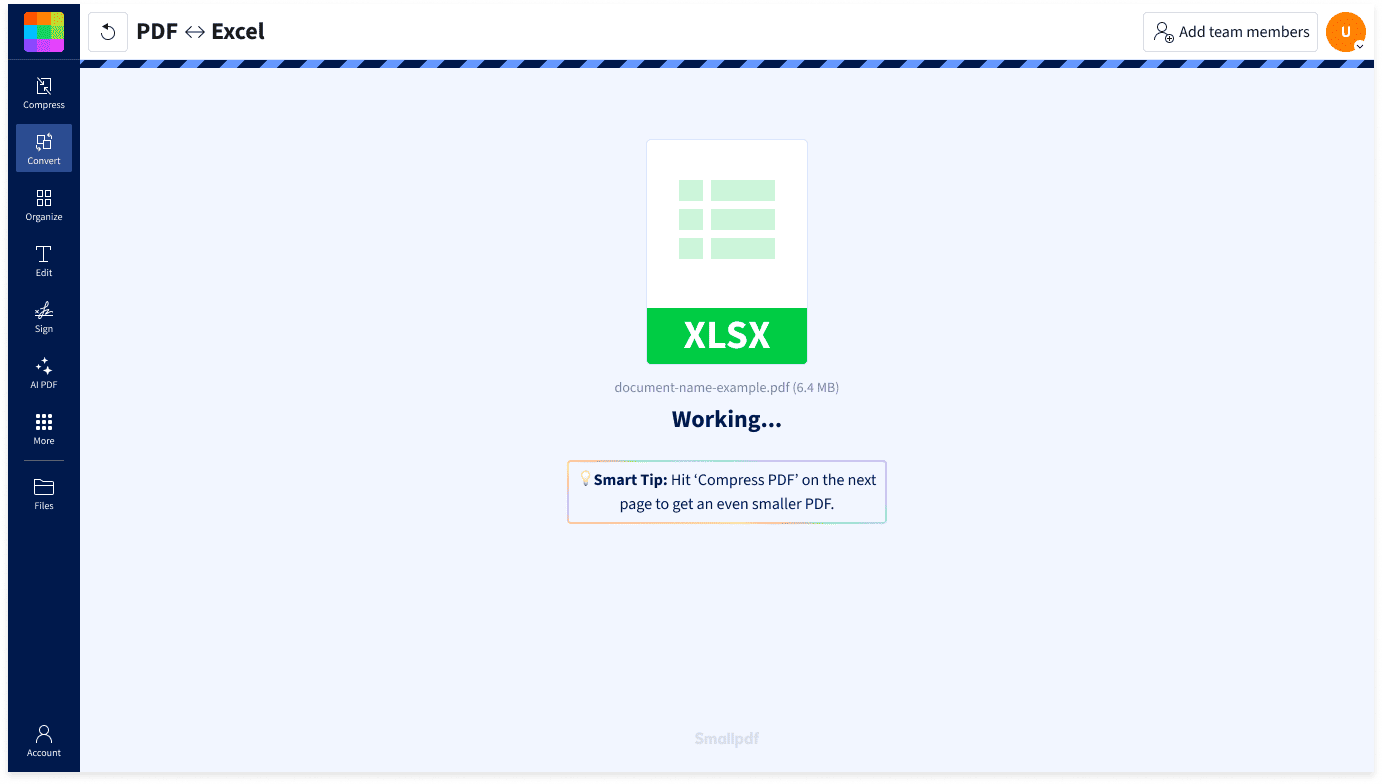
- Wait a few seconds while Smallpdf converts it to PDF.
- Download your PDF, or continue with another Smallpdf tool to edit, compress, or share it.
Excel to PDF FAQs
How do I convert Excel to PDF for free?
You can convert Excel to PDF for free by uploading your XLS or XLSX file to Smallpdf's online converter. No registration or payment required. Simply drag and drop your file, wait a few seconds, and download your finished PDF.
Will my Excel formatting be preserved in the PDF?
Yes, Smallpdf preserves your spreadsheet's tables, charts, and cell formatting when converting to PDF. Your data stays aligned and professional-looking, exactly as you designed it.
Do I need Microsoft Excel to convert to PDF?
No, you don't need Microsoft Excel or any other software installed. Smallpdf works entirely in your browser. Just visit the site, upload your file, and convert instantly.
Is it safe to upload my Excel files?
Your files are protected with TLS encryption and automatically deleted from our servers after one hour. Smallpdf is also GDPR-compliant and ISO/IEC 27001-certified for added peace of mind.
Can I convert Excel to PDF on my phone?
Yes. Smallpdf’s Excel to PDF converter works in your mobile browser on iPhone and Android, with no app download required. If you work with PDFs regularly on your phone, you can also use the free Smallpdf mobile app for iOS or Android.