5 Free Invoice Templates in Word Format
Download free Microsoft Word invoice templates and learn how to customize them for your business. No design skills needed, just edit, save, and send.
Document Workflow Guides
PDF Sharing Tool & Guides
More on Freelance Translation Invoice
In this guide, you can download invoice template Word files, customize them in Microsoft Word, and then convert them to PDF with Smallpdf.
All templates are stored as PDFs on our site, so you download them first, then convert to Word in a few clicks using our built-in workflow.
Download Free Invoice Templates in Word Format
You can start with any of our ready-made invoice layouts and adapt them to your business. Each template opens as a PDF first, then you convert it to Word with one click inside Smallpdf.
1. Modern Invoice Template
Clean, contemporary layout suited to creative businesses and freelancers. Includes space for:
Company and client details
Itemized services or products
Subtotals, tax, and total due
Payment terms and notes
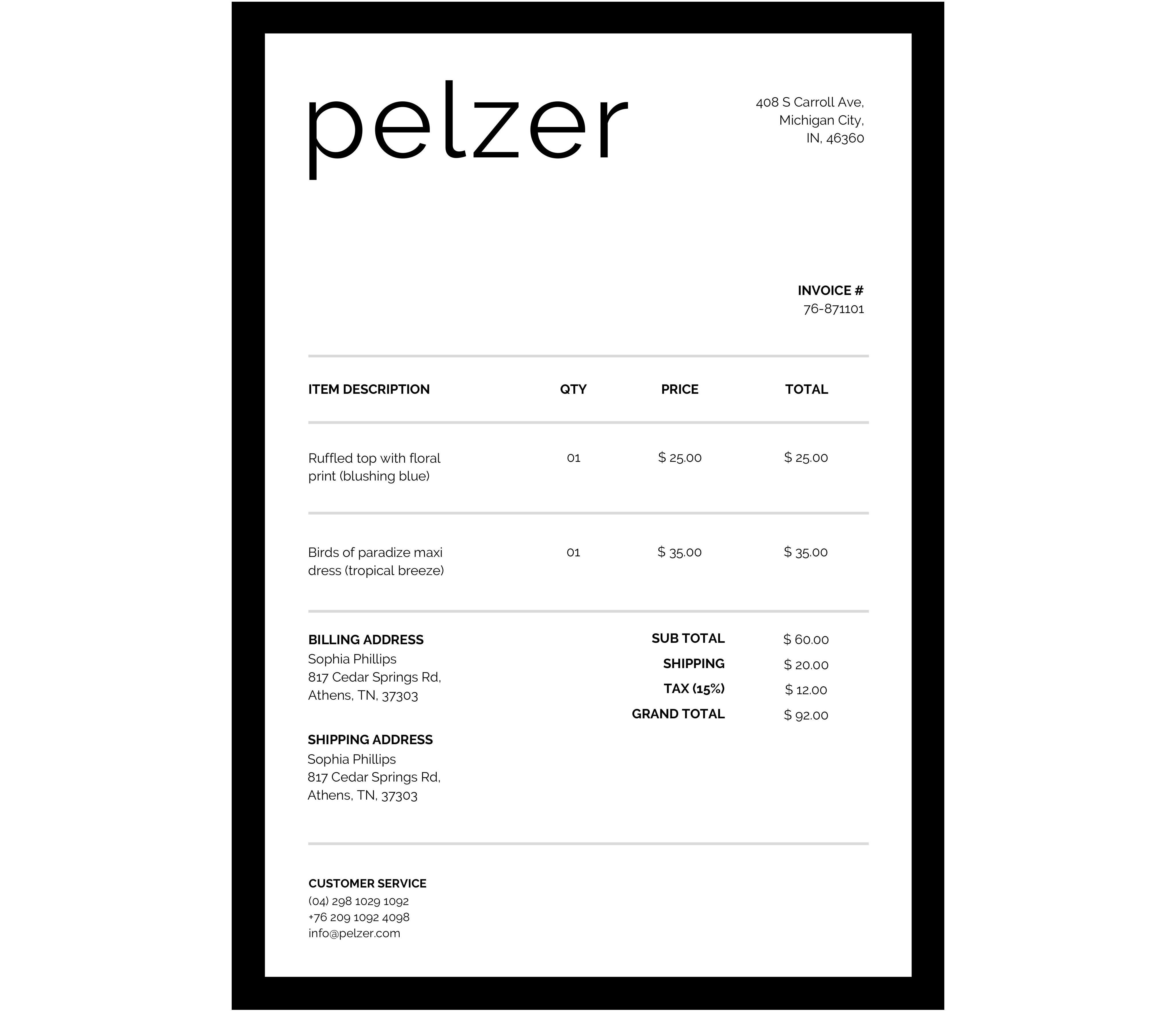
Download Modern Template For Free
Click the template button on our page.
The file opens in the Smallpdf Edit PDF view.
Select “Finish.”
In “Export As,” choose “Word.”
Download the DOCX file and open it in Word.
2. Classic Invoice Template
Traditional design that feels familiar to corporate and professional clients. Features:
Clear header with your business details
Structured billing table
Room for tax and discounts
Space for bank or payment details
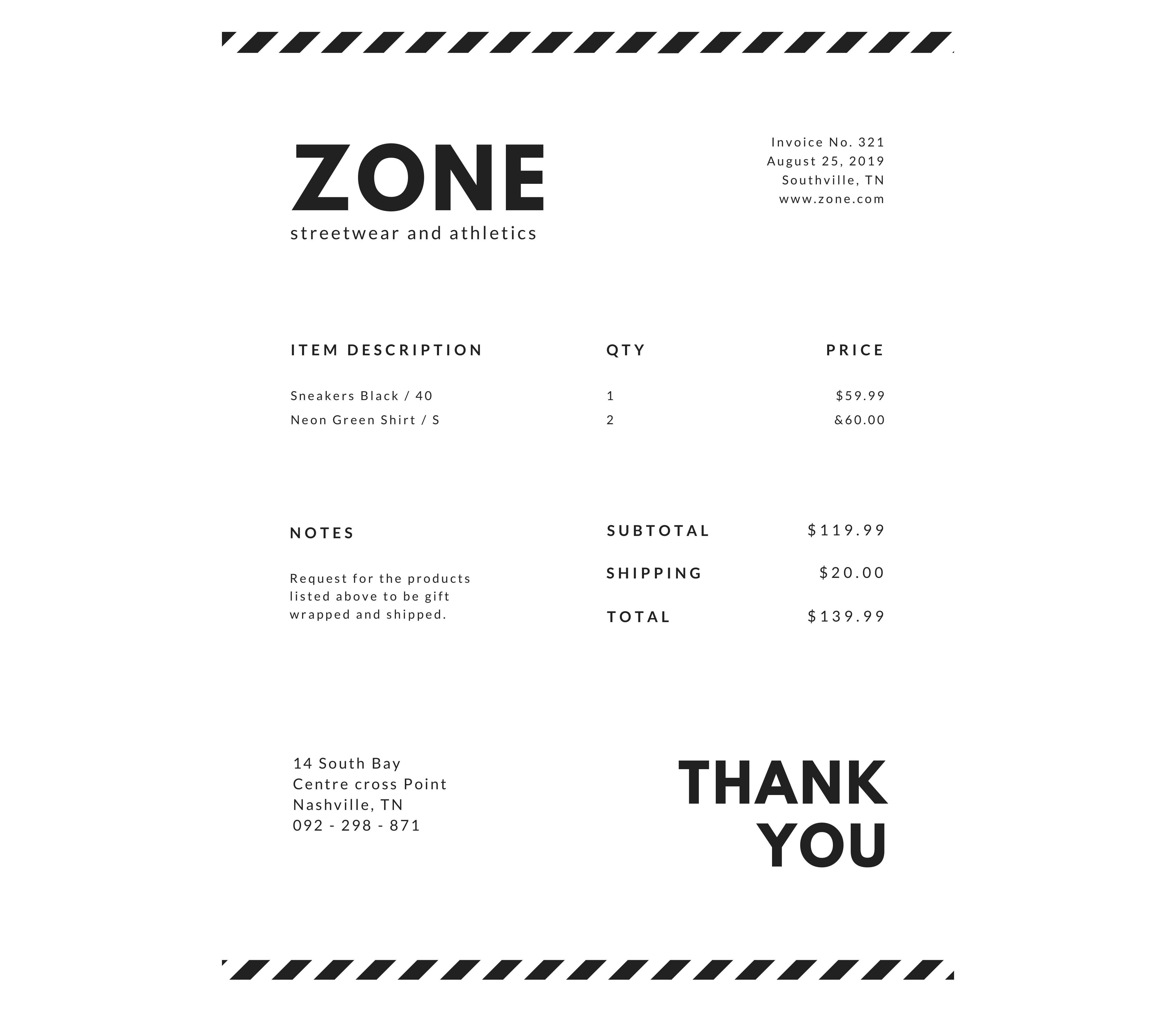
Download Classic Template For Free
3. Letterhead Invoice Template
Ideal when you already use a company letterhead. This format gives you a strong first impression for B2B and corporate billing.
Dedicated header area for logo and address
Body section for line items and totals
Footer for legal notes or terms
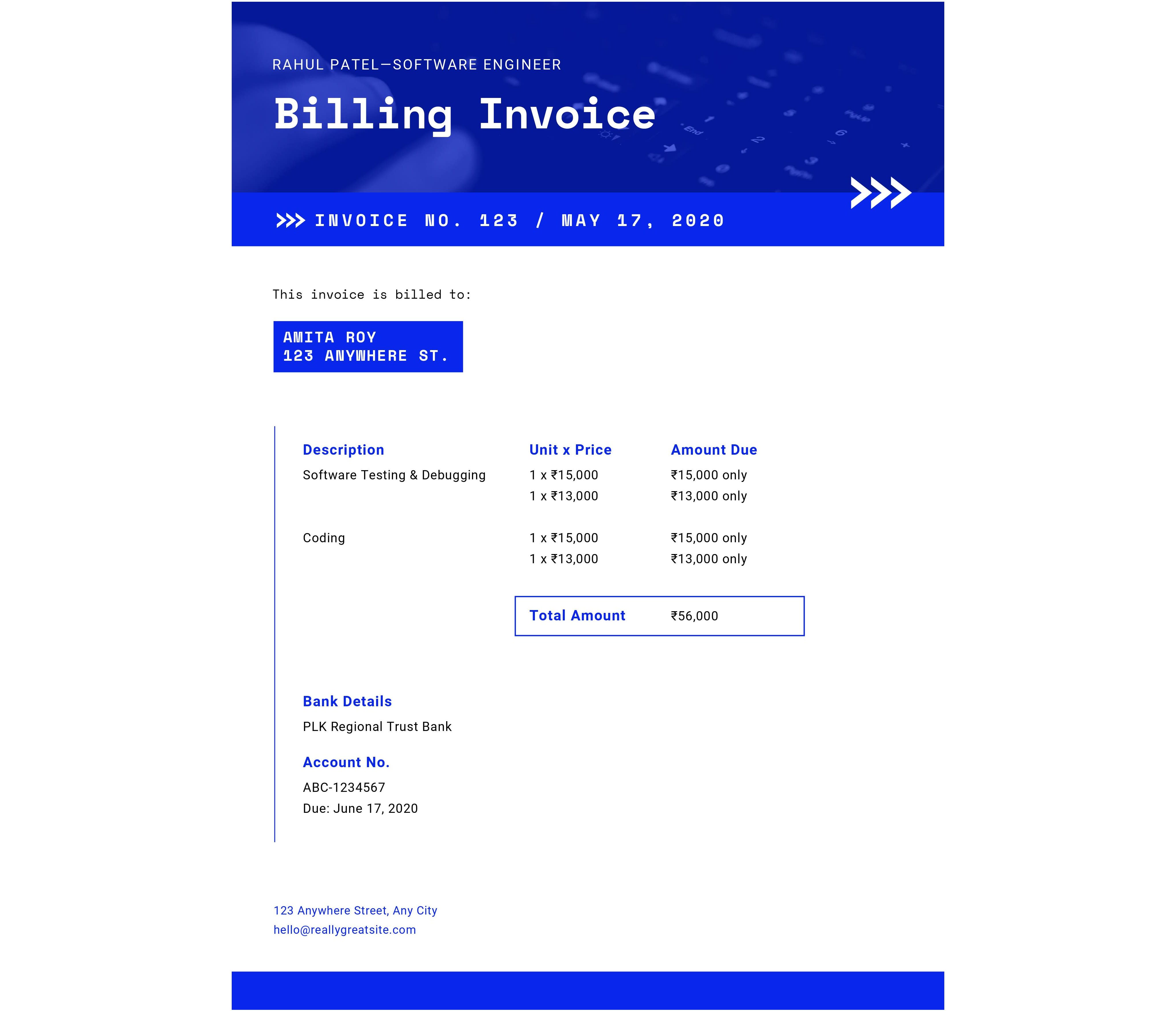
Download Letterhead Template For Free
4. Printer-Friendly Invoice Template
Made for teams that still send printed invoices.
Minimal color use to save ink
High contrast fonts for clear printing
Simple table layout for quick reading
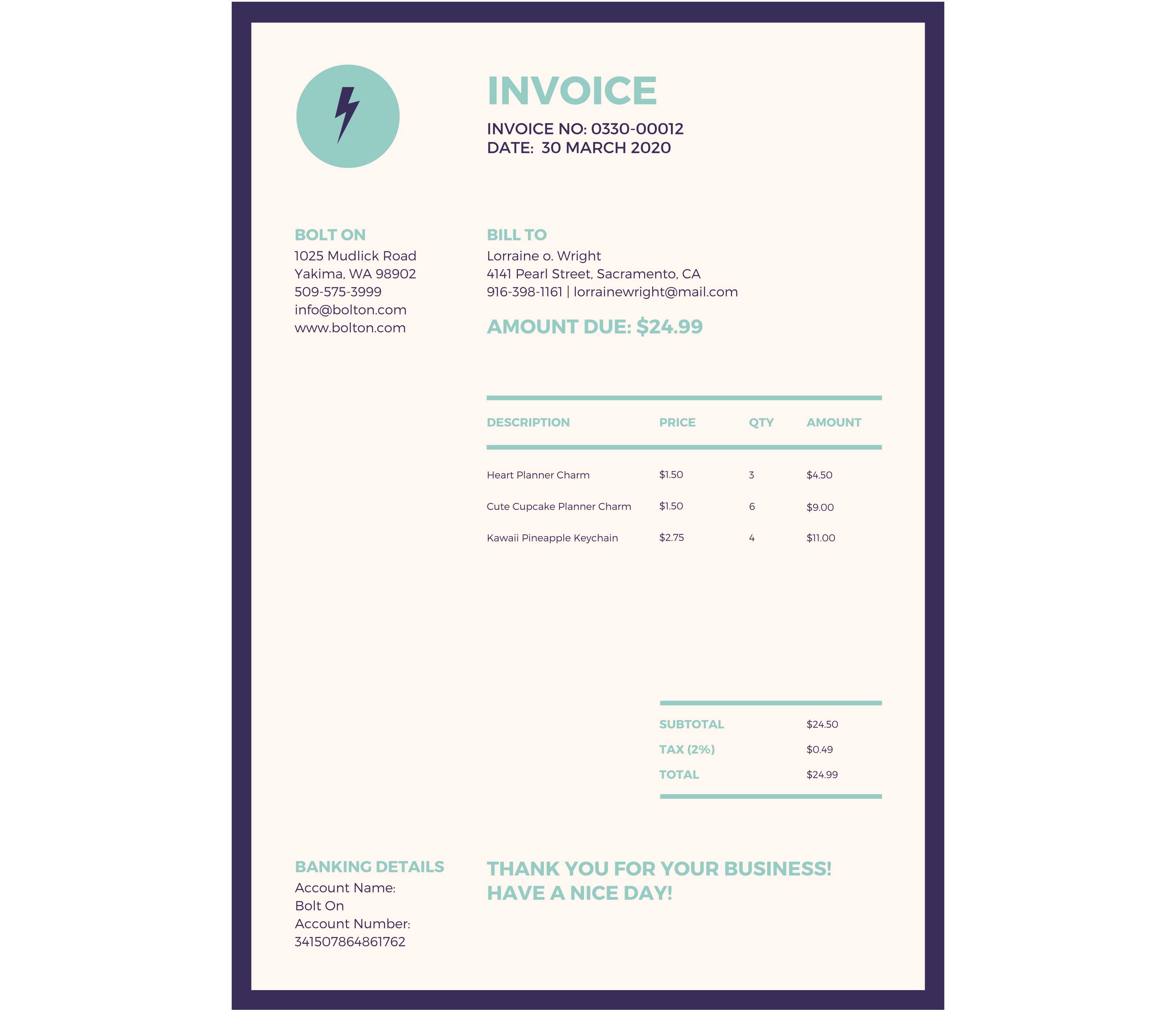
Download Printer-Friendly Template For Free
5. Blank / Minimal Invoice Template
A flexible layout when you want full control.
Bare structure with essential fields only
Easy to reshape for any industry
Perfect base for your own branding system
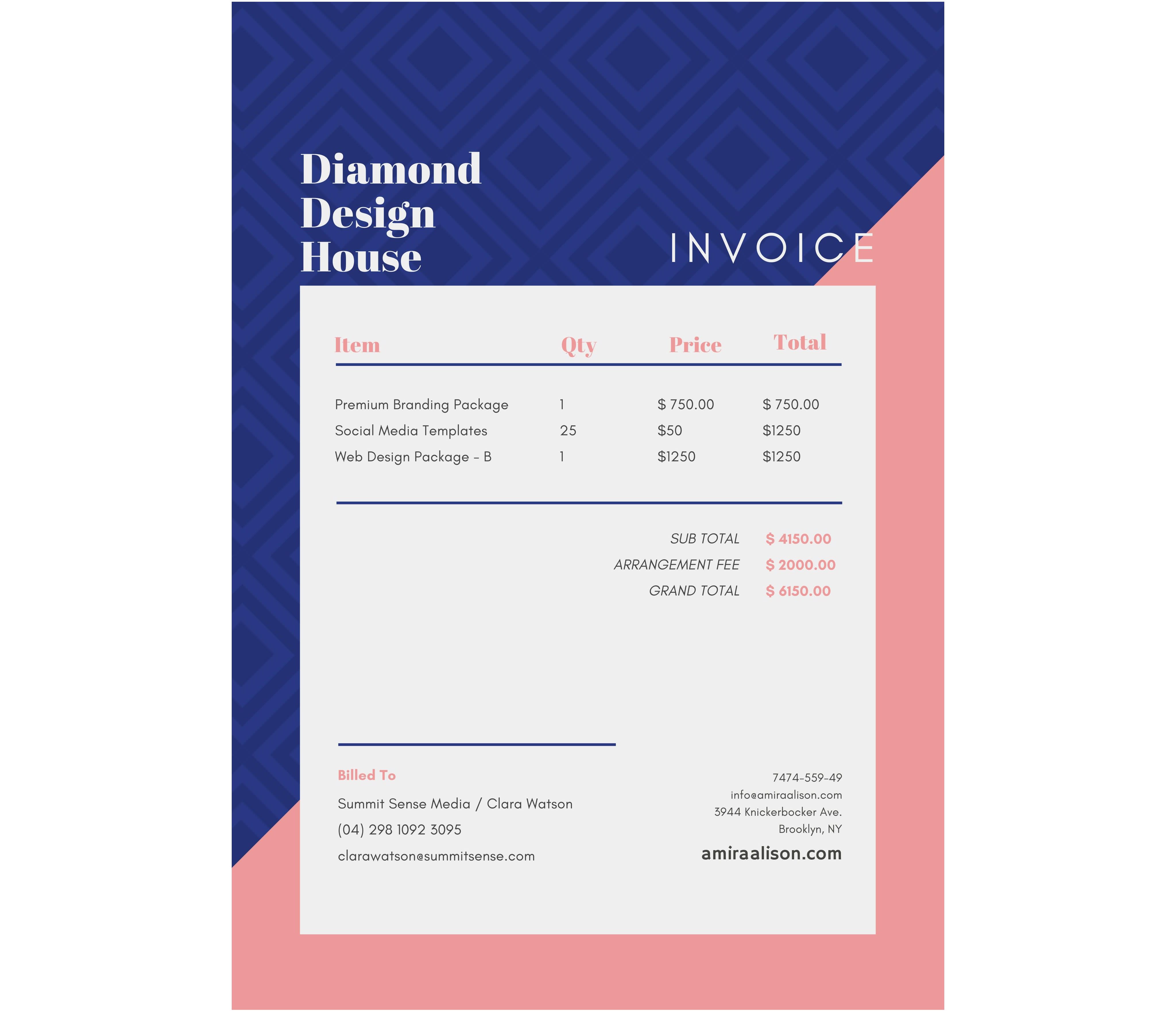
Download Minimal Template For Free
How To Download And Convert Our Templates to Word
Here is the full process from template button to editable Word file:
Click a template button on the article page.
Wait for the PDF to open inside the Smallpdf editor.
Click “Finish” in the top-right corner.
Then, in “Export As,” choose “Word.”
Download the DOCX file and open it in Microsoft Word.
From there, you can customize every field and save the file as your own invoice template.
Why Use a Word Invoice Template
Word invoice templates save time and keep your branding consistent, especially if you send invoices often.
Key Advantages of Word Templates
Professional formatting: Layouts are already aligned, spaced, and styled. You focus on the content, not on design.
Easy customization: Change fonts, colors, and spacing with tools you already know in Word.
No extra software cost: Most teams already use Microsoft 365 or Office, so there’s no new tool to learn.
Flexible content: Add new columns, insert rows, or adapt tax fields as your business changes.
Brand consistency: Use the same logo, colors, and typography across invoices, quotes, and proposals.
Every template already includes:
Your company and client information
Invoice number and date
Itemized list of services or products
Subtotal, tax, and total
Payment terms and optional notes
Download Invoice Templates In Other Formats
Some businesses prefer spreadsheets or fully locked PDFs. You can start in Word and then move to other formats when needed.
Excel Invoice Templates
Use Excel invoice templates if you:
Want automatic tax and total calculations
Handle variable pricing or hourly billing
Need quick adjustments to formulas
From the article, follow the link to Excel invoice templates. You can still convert final invoices to PDF with Smallpdf for sending.
Google Docs And Google Sheets Templates
Choose Google Docs invoice templates when you:
Collaborate with a team or an accountant
Need comments and live edits
Choose Google Sheets invoice templates when you:
Need formulas and calculations
Prefer browser-based access from any device
You can export or download these files and then convert them to PDF via Smallpdf.
PDF Invoice Templates
PDF invoice templates work well when:
You want a finished, non-editable invoice to send
You care about layout consistency on every device
You can still keep your master version in Word, then convert each final invoice to PDF for clients.
How To Customize Your Word Invoice Template
After downloading your template as a DOCX file, you can adapt it to your brand and workflow.
Add Your Logo And Brand Colors
Open the DOCX invoice template in Word.
Go to “Insert” > “Pictures” > “This Device.”
Select your logo file and click “Insert.”
Drag the logo into the header area or the top-left corner.
Highlight text to adjust colors using the “Font Color” and “Shading” tools.
Keep fonts simple and readable, such as Arial, Calibri, or similar sans serif fonts.
Customize Invoice Fields
Check that every field matches how your business bills clients.
Replace placeholder company and client names.
Update the address, phone number, and email fields.
Edit the table headers to match what you charge for (hours, units, fixed fees).
Add new rows for extra line items, or remove rows if you keep invoices short.
Adjust tax and discount lines so they match your local requirements.
You can also add a short note like “Payment due within 14 days” or your bank details.
Set up a Consistent Invoice Number System
A clear numbering pattern helps you track invoices and payments.
Common patterns include:
Sequential: 001, 002, 003
Year-based: 2025-001, 2025-002
Client-based: ACME-001, ACME-002
Pick one system, note it down, and apply it to every new invoice. Keep a simple list in a spreadsheet or accounting app to avoid duplicates.
Common Invoicing Practices to Follow
Using a good template is only part of professional invoicing. A few simple habits make your invoices clearer and easier to pay.
Information You Should Always Include
Your business name and contact details
Client name and contact person
Unique invoice number and date
Clear description of work or products
Quantity, rate, and line totals
Tax details, if applicable
Total amount due
Payment methods and due date
Practical Tips for Faster Payments
Use plain language in line items so clients understand what they are paying for.
Highlight the due date near the total.
Add bank details, PayPal, or other payment options.
Keep your layout uncluttered and easy to scan.
Create Your Invoice Online (Free)
Want something even easier than downloading templates? Try our online invoice generator for instant invoice creation.
Benefits of our online tool:
Auto-calculation of totals and taxes
Save client information for future invoices
Add payment links for faster collection
Download as PDF or convert to Word
No software installation required
Perfect for businesses that send invoices regularly and want to streamline their billing process.
How To Convert Word Invoices to PDF With Smallpdf
Once you have filled in an invoice in Word, you usually want to send a PDF version to your client. This keeps the layout stable and prevents accidental edits.
Convert a Word Invoice to PDF
Save your completed invoice in Word.
Open the Word to PDF converter.
Upload your DOCX invoice.
Wait for the conversion to finish.
Download the PDF and attach it to your email or save it to cloud storage.
You can also:
Use Compress PDF if the file is large, and you send many invoices by email.
Use eSign to add your signature or request client signatures on contracts.
This creates a simple chain: Template in “Word” > “Filled invoice” > “PDF via Smallpdf” > “Sent to client.”
Word Templates vs Invoicing Software
Both options can work well. The right choice depends on how often you invoice and how complex your billing is.
When a Word Template Is Enough
Use Word templates if:
You send fewer than 10 invoices per month.
Your rates and items are simple.
You don’t need automated reminders.
You prefer local files over cloud software.
In this case, templates plus Smallpdf for conversion is usually enough.
When Dedicated Invoicing Software Helps
Consider invoicing software if:
You send 20 or more invoices per month.
You need recurring invoices or subscriptions.
You want automatic reminders and online payments.
You collect detailed reports on revenue and late payments.
You can still use Word templates as a design base, then move to software later as your business grows.
Build Better Invoices With Word and Smallpdf
A good invoice template should be simple to reuse and easy to customize. With these free invoice template Word files, you can set up a clean, branded layout once and then focus on your work, not your formatting.
Use Word to edit and personalize your invoices. Use Smallpdf to convert them to PDF, compress them, and add signatures when needed. Together, they give you a light, flexible invoicing workflow without extra software or complexity.
Want to Customize Your Invoice Template?
Frequently Asked Questions
Are Word invoice templates legal to use for business?
Yes. As long as your invoices include all required details in your country or region, a Word template is a valid way to bill clients. If you are unsure about tax or disclosure rules, ask your accountant to review your template.Can I use these templates for international clients?
You can. Adjust currency symbols, tax labels, and address formats to match the client’s country. For cross-border work, make payment terms and currency very clear on the invoice.Do I need Microsoft Word, or can I use another editor?
These templates are built for Word, but you can open DOCX files in other editors like Google Docs or LibreOffice. Some formatting may change slightly, so always check the layout before sending.How do I share my invoice with clients?
Convert your final Word invoice to PDF using the Word to PDF tool in Smallpdf. Then attach the PDF to an email or send it through your client portal. PDF ensures the layout looks the same on every device.Can I reuse the same template for every client?
Yes. Save a “master” version of your template, then duplicate it each time you create a new invoice. Rename each file with the invoice number and client name for easier tracking.Edit and export invoice templates faster with Smallpdf
