- Home
- ›CSV to PDF
Free CSV to PDF Converter
Convert CSV to PDF for free. Turn spreadsheet data into PDFs that are ready to print, send, or archive in seconds. No installation or account creation required.
- Trusted by over 1 billion users since 2013
- Free CSV to PDF converter—no installation needed
- Convert CSV files to PDF on Mac, Windows, iOS, and Android
Free CSV to PDF Converter
Need to convert a CSV file to PDF? Smallpdf makes it easy to turn exported data into clean PDF documents. Whether you’re working with sales reports, inventory lists, financial exports, customer records, or analytics data, your information stays organized and easy to read.
Lock in Your Data
Convert CSV files into professional PDF documents that are easy to open, email, and present. Ideal when you want others to view your data without worrying about accidental edits.
Share Exported Data Anywhere
CSV files don’t always open the same way across different apps or devices. Converting them to PDF gives you a document that always looks the same. Easy to share, open, and print anywhere.

Prep Data for Reports, Printing, and Records
PDFs lock in the visual format, so they’re great for reports, documentation, and record keeping. Converting your CSV file makes it easier to archive, print, or attach to emails.

How to Convert CSV to PDF Online for Free
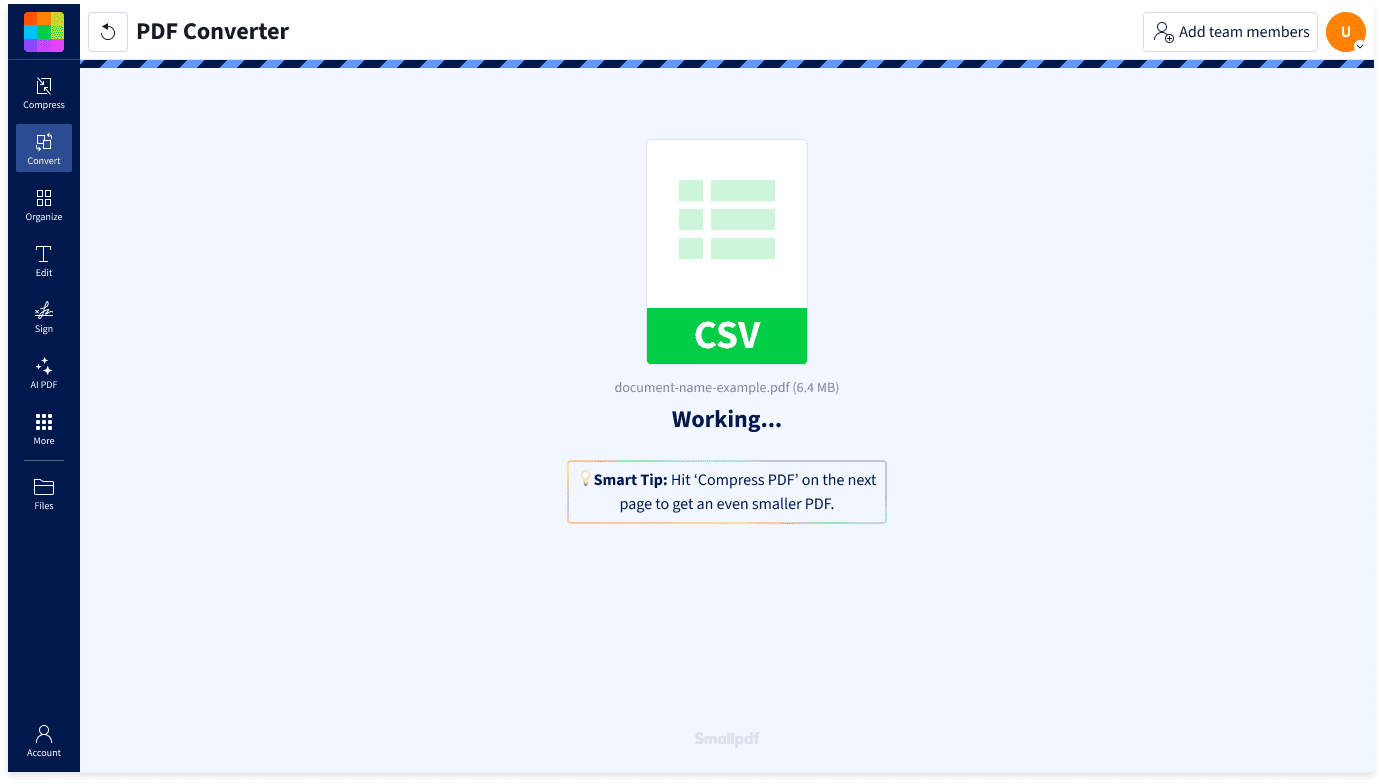
- Upload or drag & drop your CSV file into the CSV to PDF converter above.
- Wait a few moments while your file is converted.
- Download your PDF or save it to Google Drive, OneDrive, Dropbox, or Smallpdf cloud storage.
Convert CSV to PDF Anywhere

Conversion Without the Hassle
No software to install or accounts to create. Upload your CSV file and convert it to PDF directly in your browser.
Works With Spreadsheet Data
CSV files are commonly exported from Excel, Google Sheets, databases, CRMs, and analytics platforms. Smallpdf’s converter quickly turns those exports into shareable PDFs.
Great for Reports and Records
Share sales reports, financial exports, inventory lists, and customer records as PDFs that are easy to view, print, and archive.
Convert on Any Platform and Device
Convert CSV to PDF on Mac, Windows, Linux, iOS, or Android. Smallpdf’s browser-based converter works wherever you do.
Preserve Your Data Layout
Keep rows and columns organized while turning CSV files into clean PDF documents that are ready to print or share.
Safe & Secure at Every Step
We’re GDPR compliant and ISO/IEC 27001 certified. TLS encryption protects your files during upload and download, while automatic deletion after one hour helps keep your information private.
CSV to PDF FAQs
How do I convert CSV to PDF?
Upload your CSV file into Smallpdf's CSV to PDF converter. After a few seconds, your converted PDF will be ready to download or share.
Is the CSV to PDF converter free to use?
Yes. You can convert CSV files to PDF for free without creating an account. Upgrade to Smallpdf Pro for unlimited conversions and access to more than 40 PDF tools.
What is a CSV file?
A CSV (Comma-Separated Values) file stores data in rows and columns using plain text. It’s commonly used to exchange spreadsheet and database information between different programs.
Why convert CSV to PDF?
PDF files are ideal for sharing reports, customer lists, inventory exports, financial data, and other spreadsheet-based information. They preserve your data in a format that’s easy to open, print, and review. They also help reduce the risk of accidental edits.
How to convert CSV to PDF on iPhone?
With Smallpdf’s CSV to PDF converter, simply upload your CSV file from Safari or any mobile browser and convert it to PDF in seconds. It also works on Android tablets and phones.
How to convert CSV to PDF on Mac?
Smallpdf’s CSV to PDF converter works in your browser, so you can convert on macOS without installing additional software. Simply upload your file and download the PDF.
Can I convert multiple CSV files to PDF at once?
Yes. You can upload and convert multiple CSV files in one batch using Smallpdf Pro.
Can I convert CSV to PDF on my phone?
You can! Use the CSV to PDF converter in any browser on iPhone, Android, tablet, or desktop. No installation is required.
Is my data secure when converting CSV to PDF?
Files are encrypted using TLS during upload and download. Smallpdf is GDPR compliant and ISO/IEC 27001 certified, and files are automatically deleted after one hour unless you choose to save them.

Document Work Made Easy
Boost productivity in your business with unlimited access to all Smallpdf’s tools for taking the hassle out of document work. Do more, better, faster.