- Home
- ›ZIP to PDF
ZIP to PDF
Convert ZIP to PDF online and turn the files inside your archive into easy-to-share PDFs. Upload your ZIP file and convert everything in seconds. No software to install.
- Convert files inside a ZIP to PDF
- No need to unzip or convert files one by one
- Secure file transfers protected with TLS encryption
Convert ZIP Files Into PDFs Online
Convert ZIP to PDF for free and save time when working with multiple files. Upload your ZIP archive and Smallpdf will convert the supported files inside it into PDFs you can download or continue working with.
Fast ZIP to PDF Conversion
Skip the manual work of opening your ZIP file and converting documents one by one. Add your archive to the tool, choose PDF, and let Smallpdf handle the conversion for all supported files inside the ZIP.
Convert Multiple Files at Once
ZIP files are useful for bundling documents together, but they are not always practical for sharing, viewing, or printing. Converting ZIP to PDF helps you turn the contents of an archive into a more accessible format in one simple flow.

Ready for Your Next PDF Task
Once your ZIP contents are converted, the new PDFs are ready to use with Smallpdf’s other tools. Remove pages you no longer need, rearrange pages into the right order, add page numbers, or merge related documents without starting over elsewhere.

How To Convert ZIP to PDF Online for Free
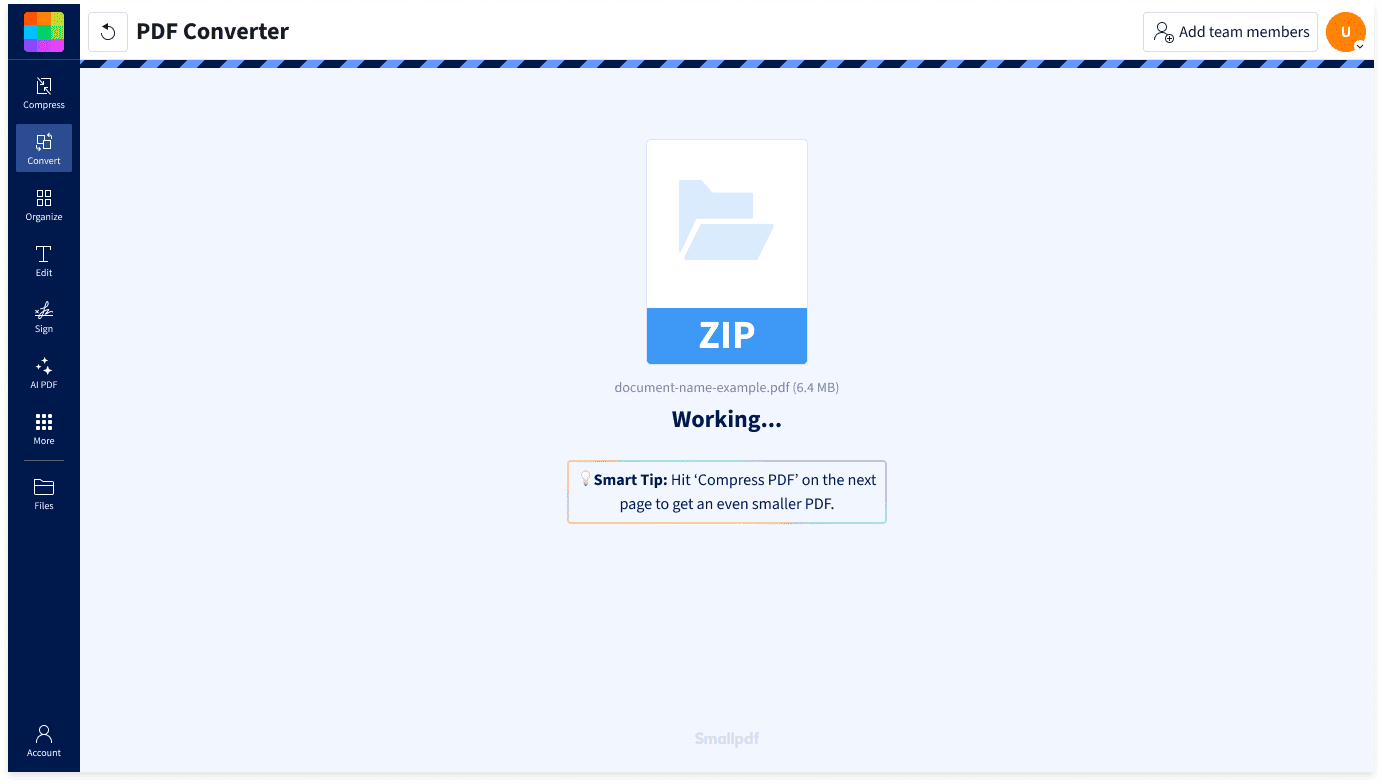
- Import or drag & drop your ZIP file into our converter.
- Smallpdf will automatically start converting the supported files.
- Download only the converted PDFs you need, or download all converted files together as a ZIP folder.
- Continue working with your PDFs in Smallpdf if needed.
From ZIP Upload to PDF Download

Drop In the Whole Archive
No need to separate the files first. Upload your ZIP folder as it is, and Smallpdf will start converting the supported files inside it to PDF automatically.
Built for Mixed File Bundles
ZIP files often contain more than one file type, from documents and spreadsheets to slides and images. Our ZIP to PDF converter helps turn supported files from the same archive into PDFs in one streamlined process.
Download Only What You Need
Once conversion is complete, you can download individual PDFs from your ZIP or save all converted files together in a new ZIP folder. It’s useful when you only need certain files, but still want the option to keep the full set.
Keep Related Files Together
A ZIP is often used to group files that belong to the same task, project, or submission. Converting the contents to PDF helps keep that group easy to review, share, store, or send on without losing track of what belongs together.
Automatic File Deletion
Your uploaded ZIP and converted files are automatically removed from our servers after one hour, unless you save it to your Smallpdf account. That gives you time to download what you need while helping keep your archive from staying online longer than necessary.
Protected File Handling
Smallpdf uses TLS encryption for file transfers and follows GDPR requirements for personal data. Our information security management system is also ISO/IEC 27001 certified, giving your ZIP to PDF conversion an added layer of protection.
ZIP to PDF FAQs
Can I convert my ZIP file to a PDF for free?
Yes, you can use Smallpdf to convert ZIP to PDF online for free. Upload your ZIP file, choose PDF as the output format, and convert the supported files inside the archive. Usage limits may apply, but you can start converting without installing software.
How to convert ZIP to PDF on iPhone?
To convert .zip to PDF on iPhone, open Smallpdf’s ZIP to PDF converter in your mobile browser. Upload the ZIP file from your iPhone or cloud storage and wait for each file to be converted to PDF. Once complete, download the converted PDFs or share them from your device.
Is it safe to convert ZIP to PDF with Smallpdf?
Yes. Smallpdf protects your files with TLS encryption during transfer and is GDPR compliant and ISO/IEC 27001 certified. Uploaded and converted files are automatically deleted after one hour, unless saved to your Smallpdf document storage.

Document Work Made Easy
Boost productivity in your business with unlimited access to all Smallpdf’s tools for taking the hassle out of document work. Do more, better, faster.