- Home
- ›ODP to PDF
ODP to PDF
Convert ODP to PDF online for easier sharing, presenting, printing, and review. Upload your OpenDocument Presentation file and get a clean PDF in seconds with Smallpdf.
- Convert ODP presentations to PDF online
- Keep slides easy to open and share
- Protected with TLS encryption for secure file transfers
Turn ODP Presentations Into PDFs
Convert ODP to PDF for free and make your presentation easier to send, upload, print, or review. Upload your .odp file, and Smallpdf will automatically convert it into a PDF you can download or continue working with.
Fast ODP to PDF Conversion
No need to open presentation software or adjust export settings. Add your ODP file to the converter, and Smallpdf will start turning it into a PDF automatically.

Easier Sharing Outside Presentation Apps
ODP files work well in compatible presentation tools, but they are not always the easiest format to send to others. A PDF gives you a more familiar version that can be opened, viewed, and reviewed across devices.
Slides Stay in Order
Your presentation structure is carried across into the PDF, with each slide converted in sequence. That makes it simple to share a finished deck, send a review copy, or keep a stable version for records.
How To Convert ODP to PDF Online for Free
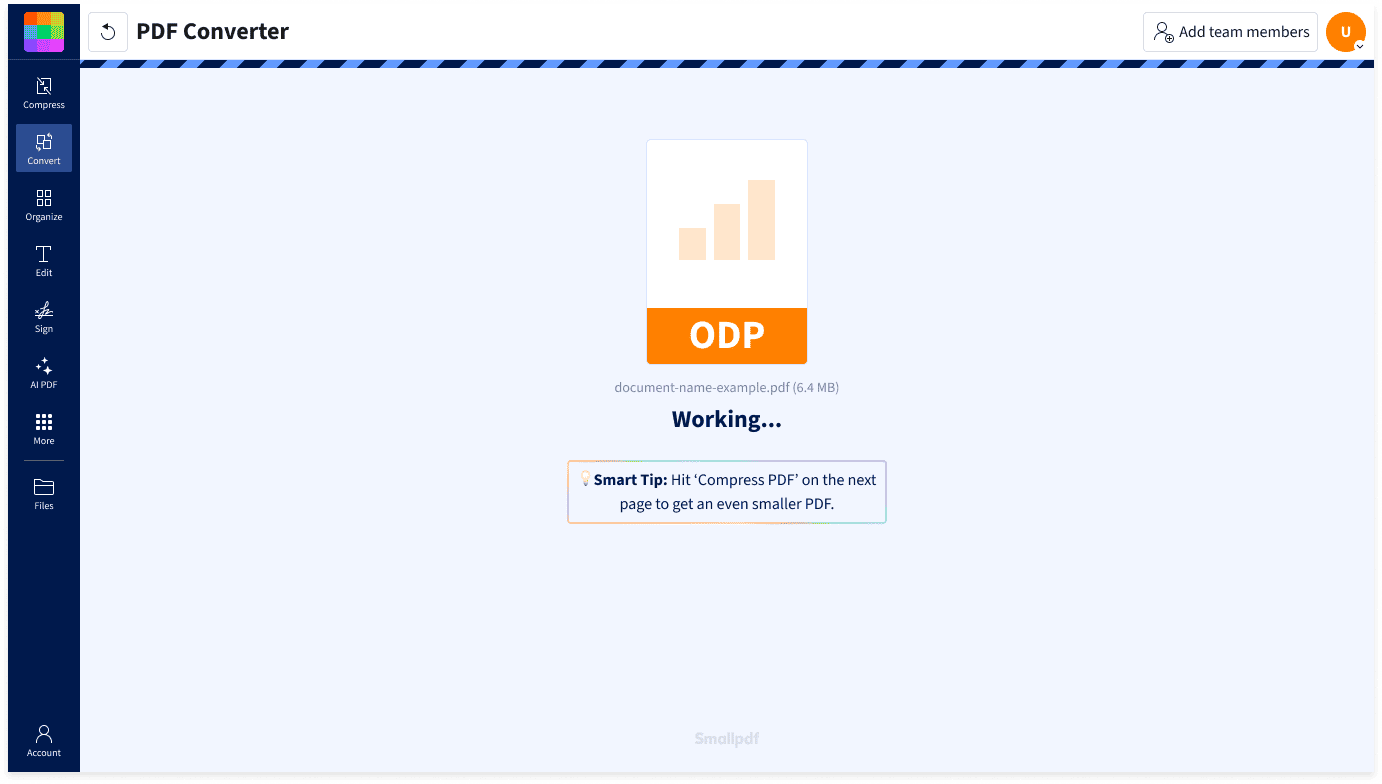
- Import or drag & drop your ODP file into our PDF Converter.
- Smallpdf will automatically start converting your file to PDF.
- Wait a few seconds while your presentation is processed.
- Download your converted PDF.
A Simpler Way To Convert ODP Files

Upload Your Presentation Directly
Start with your ODP file as it is. Smallpdf handles the conversion online, so you do not need to open a separate presentation app, install extra software, or save the file manually from another program.
Built for Presentation Files
ODP files are designed for slides, not everyday document sharing. Our ODP to PDF converter helps turn your presentation into a format that is easier to distribute, store, print, or attach to emails.
Useful for Review Copies
A PDF is a practical way to share a presentation when you do not want others editing the original deck. Convert ODP to PDF online and send a version that is easier to view, comment on, and keep consistent.
More Output Options After Conversion
Once your ODP file has been converted to PDF, you can export it again as Word, Excel, PowerPoint, or JPG. That gives you more flexibility if you need the content in another format later.
Automatic File Removal
Your uploaded ODP file and converted PDF are automatically deleted from Smallpdf after one hour. You have time to download or export your file, while your documents are not kept online longer than needed.
Protected Online Conversion
Smallpdf uses TLS encryption for file transfers and follows GDPR requirements for personal data handling. Our information security management system is also ISO/IEC 27001 certified, giving your ODP to PDF conversion an added layer of protection.
ODP to PDF FAQs
Can I convert ODP to PDF for free?
Yes, you can convert .odp to PDF online for free with Smallpdf. Upload your .odp file, and the converter will automatically turn it into a PDF. Usage limits may apply, but you can start without installing presentation software or creating the PDF manually.
Is it safe to convert ODP to PDF with Smallpdf?
Yes. Smallpdf protects your file transfers with TLS encryption, follows GDPR requirements, and is ISO/IEC 27001 certified. Uploaded and converted files are automatically deleted after one hour if you don't save them to your account. This ensures your presentations are private while you convert ODP to PDF online.
Can I turn ODP files to PDFs on mobile?
Yes, you can use Smallpdf’s ODP to PDF converter on mobile. Open the tool in your phone or tablet browser, upload your ODP file, and wait for the conversion to finish. You can then download the PDF or continue working with it in Smallpdf. For an even smoother experience, you can also use the Smallpdf mobile app, available for both Android and iOS devices.

Document Work Made Easy
Boost productivity in your business with unlimited access to all Smallpdf’s tools for taking the hassle out of document work. Do more, better, faster.