- Home
- ›Pages to PDF
Convert Pages to PDF
Convert Apple Pages to PDF for free. Upload a .pages file and convert it to a PDF document that’s easy to share, print, and open on any device. No installation or account creation required.
- Trusted by over 1 billion users since 2013
- Free Pages to PDF converter—no installation needed
- Convert Pages files to PDF on Mac, Windows, iOS, and Android
Free Pages to PDF Converter
Need to convert an Apple Pages document into PDF? Whether you created it on a Mac, iPhone, or iPad—or someone simply sent you a .pages file—Smallpdf makes it easy to turn .pages files into a PDF that’s ready to share, print, or submit.
Share Apple Pages Documents With Anyone
Convert Apple Pages (.pages) files into PDFs that anyone can open—whether they’re using Windows, Android, Mac, or another device.
Keep Your Document Looking Right
When you convert Pages to PDF, fonts, spacing, images, and layout stay consistent. Your document looks the way you intended when it’s viewed, printed, or presented.

Prep for Printing, Sharing, and Submission
Many schools, employers, government agencies, and online portals ask for PDF files instead of Pages documents. Converting .pages to PDF helps make sure it’s accepted and displays correctly.

How to Convert Pages to PDF Online for Free
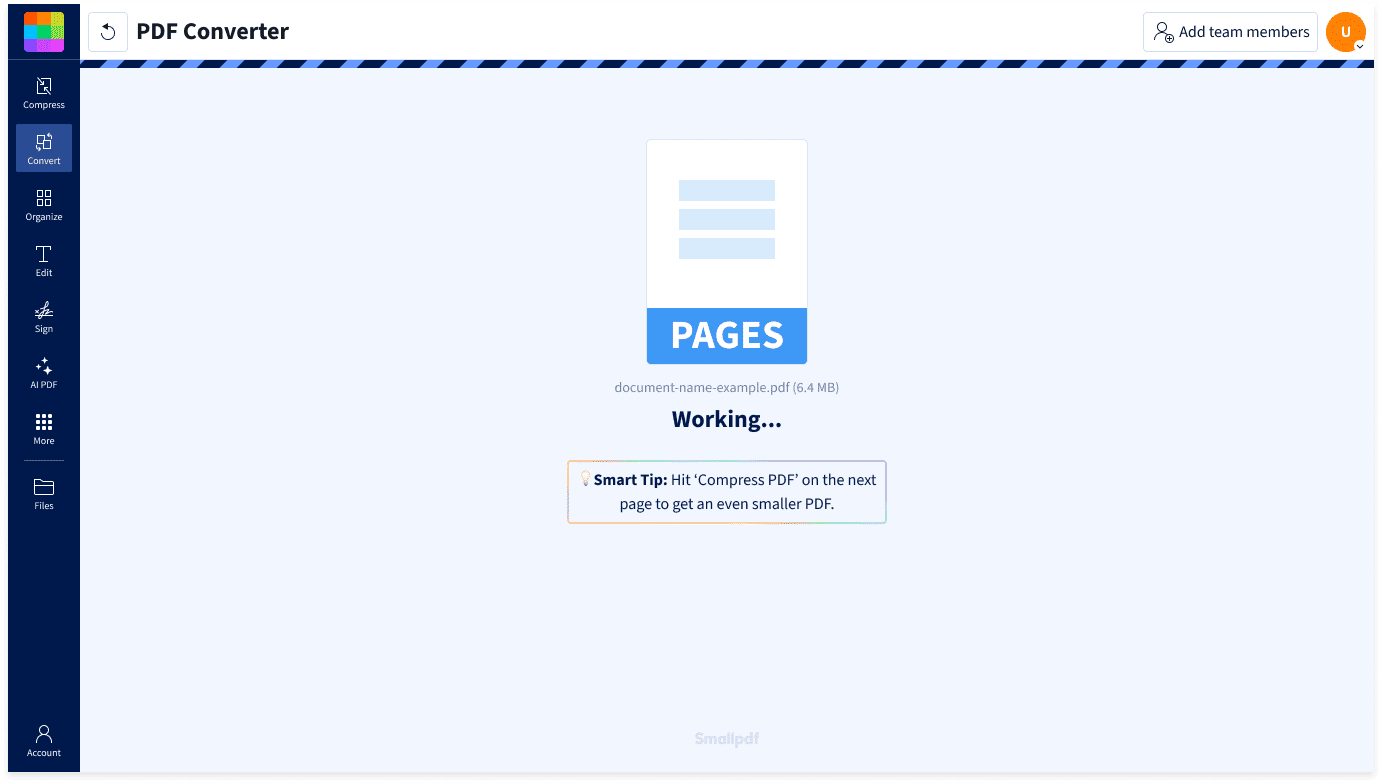
- Upload or drag & drop your Pages document into Smallpdf's PDF converter.
- Wait a few moments while your file is converted.
- Download your PDF or save it to Google Drive, OneDrive, Dropbox, or Smallpdf’s cloud storage.
Convert Pages to PDF Anywhere

No Software Installation Required
Convert Pages files directly in your browser. No downloads, setup, or Apple software required.
Built for Apple Pages Files
Convert .pages files created in Apple Pages into universally compatible PDFs—even if you’re working from Windows or another device.
Great for Sharing and Collaboration
Share resumes, assignments, reports, proposals, or presentations so everyone sees the same document—even if they don’t use Apple Pages or own a Mac.
Convert on Any Platform and Device
Convert Pages to PDF on Mac, Windows, Linux, iPhone, iPad, or Android. Upload your file from any browser and download your PDF in seconds.
Preserve Formatting
PDF preserves fonts, spacing, images, and layout, so your document looks consistent wherever it’s opened.
Safe & Secure at Every Step
Smallpdf is GDPR compliant and ISO/IEC 27001 certified. TLS encryption protects your files during upload and download, while automatic deletion after one hour helps keep your information private.
Pages to PDF FAQs
How do I convert Pages to PDF?
Upload your Apple Pages document into Smallpdf’s Page to PDF converter. After a few seconds, your PDF will be ready to download or share.
Is the Pages to PDF converter free to use?
Yes. You can convert Pages files to PDF for free without creating an account. Smallpdf Pro unlocks unlimited conversions and access to over 40 PDF tools.
Why convert Pages to PDF?
PDF files are easier to share because they can be opened on virtually any device without Apple Pages installed. They also preserve your document’s layout for printing, submission, and archiving.
How to convert Pages to PDF on iPhone?
Upload your Pages document from Safari or another mobile browser and convert it in seconds with Smallpdf. It works on iPhone, iPad, and Android.
How to convert Pages to PDF on Mac?
Simply upload your .pages file into the Smallpdf converter. You don’t need to install additional software.
How do I convert Pages to PDF on Windows?
Even if you don’t have Apple Pages installed, you can upload a .pages file into Smallpdf and convert it to PDF directly from your browser.
Can I convert multiple Pages documents to PDF at once?
Yes. You can upload and convert multiple Apple Pages (.pages) files in one batch with Smallpdf Pro. Simply select your files, click to convert, and off you go.
Is it safe to convert a Pages file to PDF online?
With Smallpdf, your files are protected with TLS encryption during upload and download. Smallpdf is GDPR compliant and ISO/IEC 27001 certified, and files are automatically deleted after one hour unless you choose to save them.

Document Work Made Easy
Boost productivity in your business with unlimited access to all Smallpdf’s tools for taking the hassle out of document work. Do more, better, faster.