- Home
- ›HWP to PDF
HWP to PDF
Got an HWP file you can’t easily open? Use Smallpdf to change it into a PDF you can read, edit, print, or manage with our other PDF tools. No software to install.
- Open .hwp files as familiar PDFs
- No Hancom Office Viewer installation required
- TLS encryption helps protect your file during transfer
Read HWP Files as PDFs
HWP files are usually created in Hangul or Hanword software, which can make them awkward to open on some devices. With Smallpdf, you can convert HWP to PDF online and get a more familiar file format in just a few seconds.
Helpful When Someone Sends You an HWP
An HWP file may arrive as an email attachment, form, report, letter, or official document. If your device does not recognize the format, converting HWP to PDF gives you a readable copy without needing the original editing software.
From Unknown File Type to Usable PDF
Instead of searching for a specific app just to check what is inside the file, upload the HWP document to Smallpdf. The converted PDF is easier to open, save, edit, print, and file with the rest of your documents.

PDF Conversion Starts Automatically
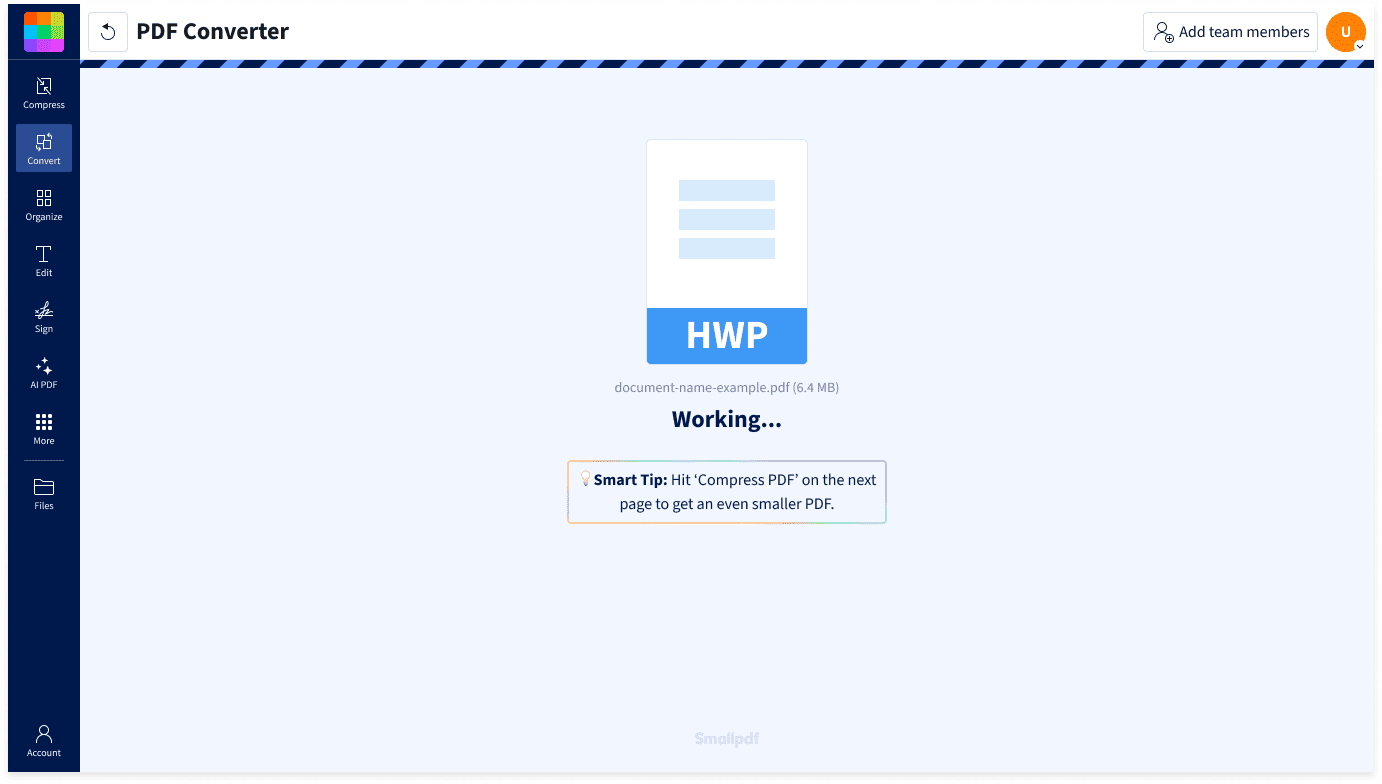
There are no target format settings to fiddle with. Once your HWP file is added to the converter, Smallpdf starts changing it to PDF automatically.

How To Convert HWP to PDF Online for Free
- Upload your HWP file or drag it into our PDF Converter.
- The HWP to PDF conversion starts automatically.
- Wait a few seconds while Smallpdf creates the PDF.
- Download the finished PDF to your device.
When an HWP File Needs To Be Read Quickly

Open the File Without Hunting for Software
If you received an HWP file unexpectedly, you may not want to install a new program just to read one document. Smallpdf helps you turn the file into a PDF from your browser.
Useful for Formal and Everyday Documents
HWP files are often used for letters, forms, reports, applications, and administrative documents. A PDF copy makes the content easier to keep, edit, print, submit, or compare with other files.
Keep the Original Separate
Converting .hwp to PDF creates a new version of the document while leaving the original file unchanged. Great for when you need a readable copy but still want to keep the source file as received.
More Formats Available After Conversion
Once your HWP file has been converted to PDF, you can export the result as Word, if that is the format you need. You can also use Smallpdf tools to compress the PDF, edit or annotate it, or merge it with other PDFs.
Bring HWP Into a PDF Workflow
If the rest of your documents are already PDFs, an HWP file can feel out of place. Converting it lets you keep the received document with related forms, records, contracts, or attachments in the same format.
Protected HWP File Handling
Smallpdf protects file transfers with TLS encryption and is ISO/IEC 27001 certified for information security management. Uploaded and converted files are automatically deleted after one hour, unless you choose to save them to your Smallpdf account.
HWP to PDF Conversion FAQs
Can I convert HWP to PDF for free?
Yes. You can convert HWP to PDF online for free with Smallpdf. Upload your .hwp file, and the tool will automatically create a PDF version for download. Free usage limits may apply, but you do not need Hancom Office or another specialist app to get started.
Is it safe to convert HWP to PDF with Smallpdf?
Smallpdf uses TLS encryption to protect file transfers and follows GDPR requirements for personal data handling. Uploaded and converted files are automatically deleted after one hour, unless you choose to save them to your account. Smallpdf is also ISO/IEC 27001 certified for information security.
Can I turn HWP files to PDFs on mobile?
Yes. You can use the HWP to PDF online converter in your mobile browser, or work through the Smallpdf app for Android and iOS. Upload the HWP file, wait for the automatic conversion, then download the PDF or continue using Smallpdf tools on your device.

Document Work Made Easy
Boost productivity in your business with unlimited access to all Smallpdf’s tools for taking the hassle out of document work. Do more, better, faster.