- Home
- ›HTML to PDF
Convert HTML to PDF
Convert HTML to PDF online for free. Upload an HTML file and turn it into a clean, shareable PDF document fast. Works on any device. No signup required.
- Trusted by over 1 billion users since 2013
- Free HTML to PDF converter—no installation needed
- Convert HTML files to PDF on Mac, Windows, iOS, and Android
Free Online HTML to PDF Converter
Smallpdf’s HTML to PDF converter lets you upload an HTML file and convert it into a polished PDF document in seconds. Whether you’re exporting a web layout, sharing a static .html file, or saving code as a PDF for review, we make converting HTML to PDF simple and reliable.
Convert HTML Files to Clean PDF Documents
Upload an HTML file to PDF and instantly generate a professional-looking document that’s easy to share or archive. Ideal when you need to convert HTML documents into PDFs for reports, documentation, or collaboration.
Preserve Structure and Readability
When converting HTML to PDF, document structure matters. Our HTML to PDF converter keeps the layout organized so headings, paragraphs, and sections remain readable and easy to navigate.
Turn HTML Code Into a Shareable Format
HTML files aren’t always convenient for sharing or printing. With our free online PDF converter, you can turn HTML code into a universally accessible PDF format that anyone can open and review.
How to Convert HTML to PDF Online for Free
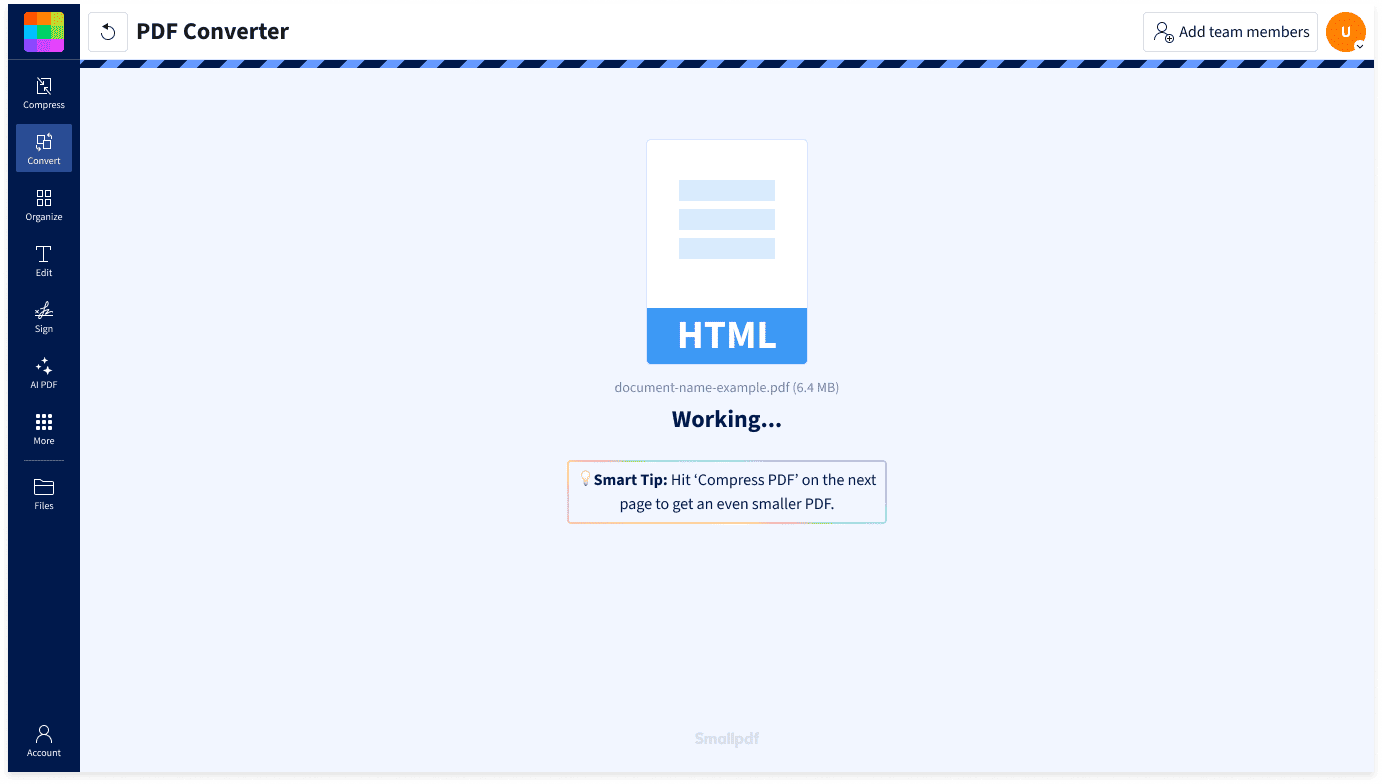
- Upload or drag & drop your file into the HTML to PDF converter above.
- Click “Convert” to start converting HTML to PDF.
- Wait a moment while your file processes.
- Download your new PDF document. That's it!
Convert HTML to PDF Anywhere

Conversion Without the Hassle
No software downloads or complex setup required. Simply upload your file and convert HTML to PDF online free directly in your browser.
Built for Simple HTML Document Conversion
Whether your file was exported from a website, saved from a browser, or written as HTML code, our online converter handles standard .html documents quickly and easily.
Great for Documentation and Sharing
PDFs are easier to distribute and archive than HTML files. Turning HTML into PDF makes it simple to share documentation, reports, or exported web content.
Works on Any Platform and Device
Our HTML to PDF converter works on Mac, Windows, Linux, iOS, and Android. Upload your file from any browser and convert HTML to PDF in seconds.
Consistent Output for Easy Viewing
Once you generate PDF from HTML, the document becomes easy to view, download, print, or store. You get consistent format across devices and operating systems.
Safe & Secure at Every Step
We’re GDPR compliant and ISO/IEC 27001 certified. TLS encryption protects your files during upload and download. All documents are automatically deleted an hour after processing to keep your data secure.
FAQs About Smallpdf’s HTML to PDF Converter
How do I convert HTML to PDF?
Upload your .html file into the HTML to PDF converter at the top of this page and wait just a second as we process your document. Your new PDF will be ready to download in seconds.
Can I convert HTML to PDF for free?
Yes. You can convert an HTML file to a PDF document for free using the tool on this page without creating an account. A Pro subscription unlocks unlimited conversions and access to more than 30 PDF tools.
How is this different from saving a webpage as a PDF in Chrome?
Browser tools like Chrome HTML to PDF allow you to print a webpage as a PDF. Our converter works by uploading an HTML file and turning it into a standalone PDF document.
Can I convert HTML to PDF on Mac or mobile?
Of course. Our free online HTML to PDF converter works directly in your browser. You can convert .html files on Mac, Windows, Linux, iOS, or Android.
Is my data secure when converting HTML to PDF?
Yes. Files are protected with advanced TLS encryption during upload and download. For additional privacy, all uploaded HTML files and generated PDFs are automatically deleted after one hour, unless you choose to save them on our secure servers.
Is Smallpdf a free HTML to PDF converter?
Yes! Smallpdf provides a free HTML to PDF converter online with limited usage. Upgrading to Pro unlocks unlimited conversions and access to more than 30 additional PDF tools.

Document Work Made Easy
Boost productivity in your business with unlimited access to all Smallpdf’s tools for taking the hassle out of document work. Do more, better, faster.