- Home
- ›RTF to PDF
Convert RTF to PDF
Convert RTF to PDF online for free. Upload a rich text document and turn it into a clean, shareable PDF in seconds. No signup required.
- Trusted by over 1 billion users since 2013
- Free RTF to PDF converter—no installation needed
- Convert RTF files to PDF on Mac, Windows, iOS, and Android
Free Online RTF to PDF Converter
Need to turn RTF files into PDF? With Smallpdf’s converter, you can convert rich text documents into universally readable PDFs in seconds. Whether you’re sharing formatted notes, documentation, or older text files, your new document is easy to open and view on any device.
Convert Rich Text Documents to Shareable PDFs
Upload an RTF file and quickly create a PDF document that’s ready to send, download, or print. Converting to PDF makes your document accessible to anyone—even if they don’t use the same editor.
Preserve Basic Formatting
RTF files support simple formatting like bold text, lists, and spacing. When you convert RTF to PDF, our tool keeps formatting intact so your document remains organized and easy to read.

Turn Lightweight Documents Into Universal Files
RTF is often used for lightweight documents that work across many word processors. By converting RTF to PDF, you create a stable version of the document that looks consistent on every device.

How to Convert RTF to PDF Online for Free
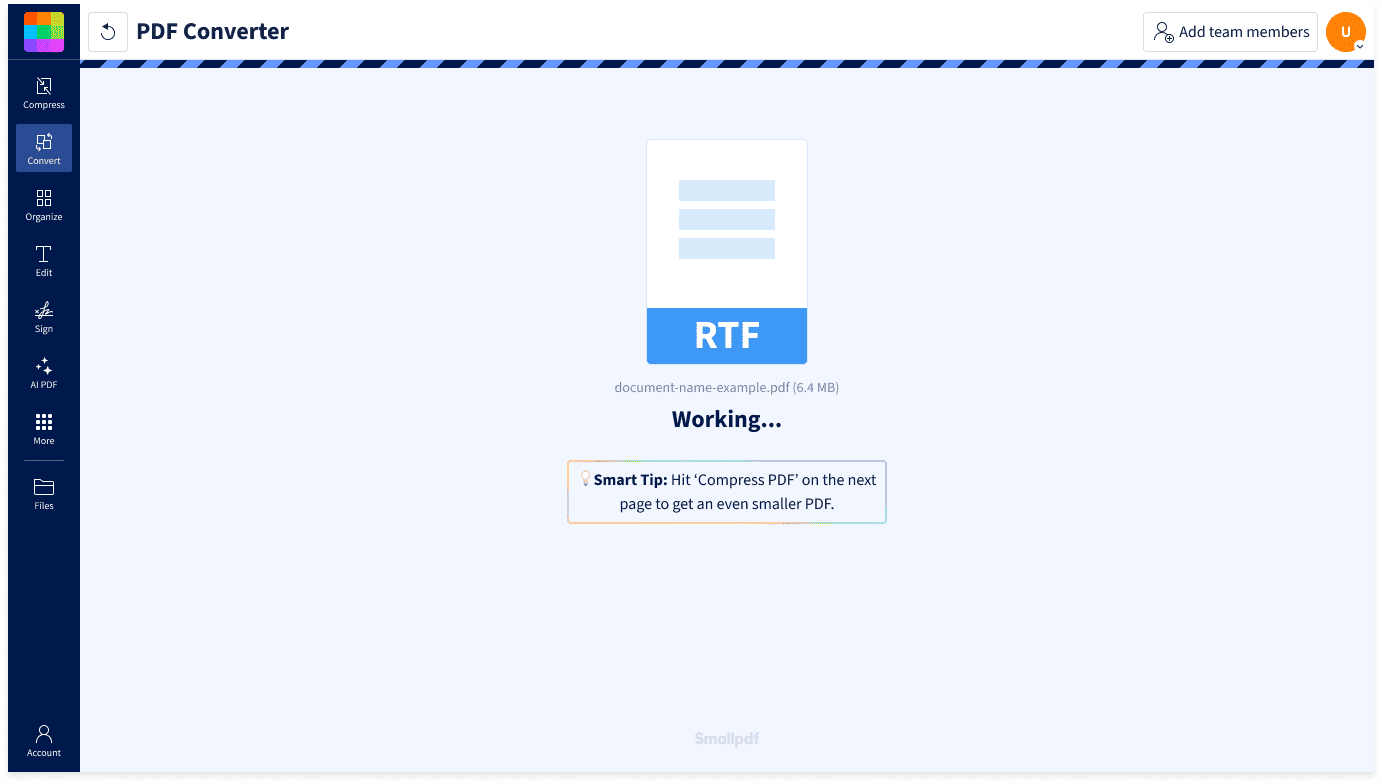
- Upload or drag & drop your RTF file into the RTF to PDF converter above.
- Wait just a moment for the conversion to happen.
- Download or share your new PDF directly. It’s that easy.
Convert RTF to PDF Anywhere

Conversion Without the Hassle
No downloads or accounts required. Simply upload your file and convert RTF to PDF online directly from your browser.
Works With Rich Text Documents
Our online RTF to PDF converter works with standard rich text documents created in many word processors, including older or cross-platform text editors.
Ideal for Legacy or Shared Documents
RTF files are used to exchange formatted text between programs. Converting them to PDF helps your document display consistently when shared with humans.
Works on Any Platform and Device
Our RTF to PDF converter works on Mac, Windows, Linux, iOS, and Android. Upload your file from any browser and convert it fast.
Keep Formatting Clean
When you convert an RTF file to PDF, your document keeps its structure and formatting so the final PDF is easy to read, download, and print.
Safe & Secure at Every Step
We’re GDPR compliant and ISO/IEC 27001 certified. With TLS encryption and automatic document deletion after an hour of processing, your personal information stays private and secure from start to finish.
FAQs About Smallpdf’s RTF to PDF Converter
How do I convert RTF to PDF?
Upload your file into the RTF to PDF converter at the top of this page and wait just a few seconds. Your document will be processed and ready to download or share as a PDF with a click.
Can I convert RTF to PDF for free?
Yes! You can convert RTF to PDF for free without creating an account. A Smallpdf Pro subscription unlocks unlimited conversions and access to over 30 additional PDF tools. You can start with a free trial to make sure it’s got what you need.
What is an RTF file?
RTF (Rich Text Format) is a document format designed to share formatted text across different word processors. Converting RTF to PDF makes the document easier to distribute and view.
How do I convert RTF to PDF on iPhone?
Upload your file into the RTF to PDF converter online from your mobile browser and convert it instantly, right there on your phone.
Is my data secure when converting RTF to PDF?
Smallpdf is GDPR compliant and ISO/IEC 27001 certified. Your files are protected with TLS encryption during upload and download. For added privacy, files are automatically deleted one hour after processing, unless you choose to save them to our secure servers.

Document Work Made Easy
Boost productivity in your business with unlimited access to all Smallpdf’s tools for taking the hassle out of document work. Do more, better, faster.