- Home
- ›EPUB to PDF
EPUB to PDF
Convert EPUB to PDF online for easier sharing, printing, and reading on any device. Upload your ebook file and turn it into a PDF in seconds. Free to use and works directly in your browser.
- Fast online EPUB to PDF conversion
- TLS encryption and ISO/IEC 27001 certified security
- Keep formatting, chapter breaks, and images intact
Turn EPUB Files Into Easy-to-Use PDFs
Convert EPUB to PDF for free and make your ebook or manuscript easier to open, print, and store. Upload your file, let our converter do the work, and download your new PDF in just a few clicks.
Quick EPUB to PDF Conversion
No complicated settings or software needed. Add your EPUB file to the tool, click convert, and we’ll transform it into a PDF you can download, share, or continue editing with Smallpdf.
A More Shareable File Format
EPUB files are useful for ebooks, but they are not always ideal for printing or opening across different platforms and devices. Converting EPUB to PDF gives you a fixed-format document that looks consistent and is easier for others to access.

Formatting Stays Clean
Text, chapter breaks, and reading order carry over neatly when you convert .epub to PDF with Smallpdf. The tool preserves the natural flow of your ebook, so the converted PDF remains structured and easy to follow.

How To Convert EPUB to PDF Online for Free
- Import or drag & drop your EPUB file into our converter.
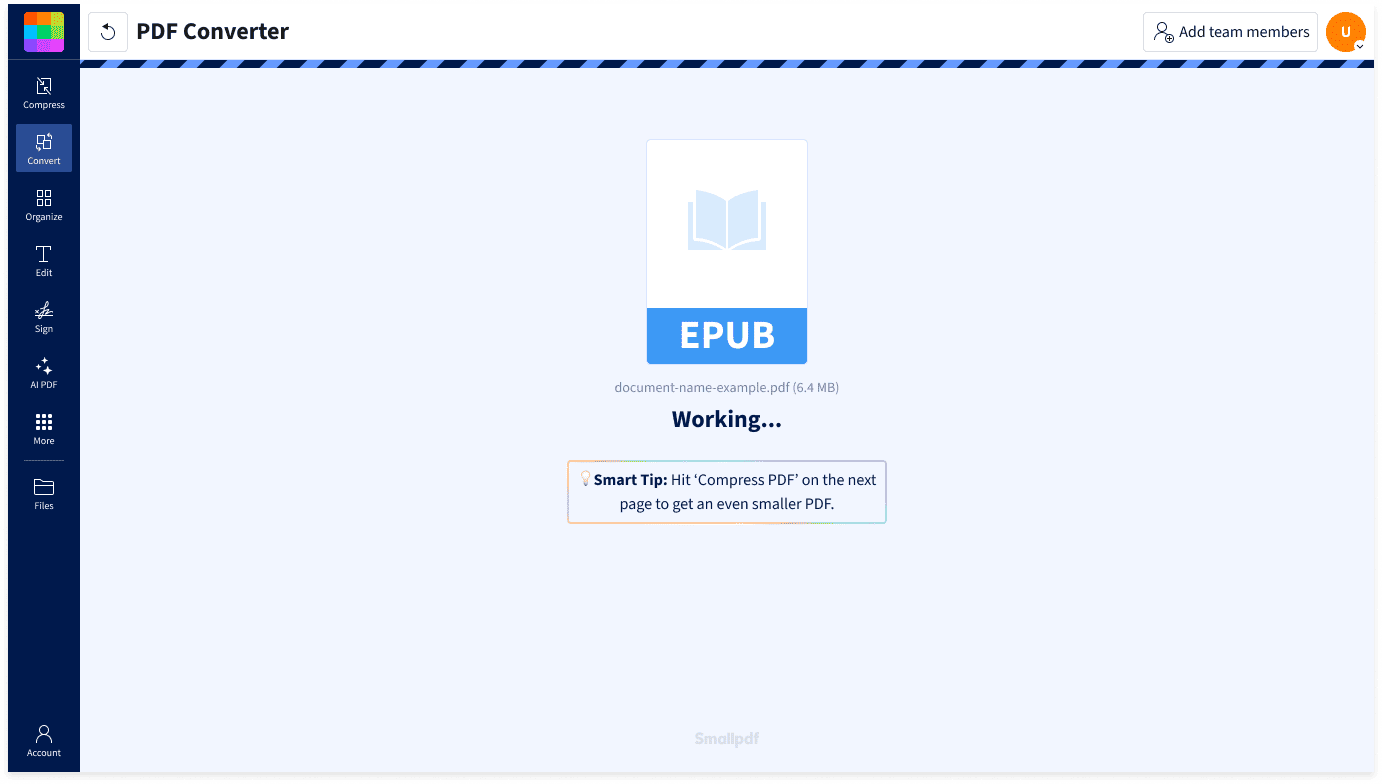
- The tool will automatically start converting your file to PDF.
- Wait a few seconds while Smallpdf processes your document.
- Download your converted PDF.
- Continue working with your PDF in Smallpdf if needed.
Everything You Need in an EPUB to PDF Converter

Start With a Simple Upload
Converting EPUB to PDF should be easy. Just upload your ebook file, and Smallpdf will automatically begin changing it into a PDF. No installation, manual formatting, or technical setup needed.
Convert EPUB to PDF on Any Device
Smallpdf works in your browser, so you can convert EPUB to PDF on Mac, Windows, Linux, iOS, Android, or any other device with internet access. Upload your file, wait a few seconds, and download your PDF wherever you’re working.
Make EPUB Files Easier To Share
EPUB files are useful for ebooks, but not everyone has the right app or reader to open them. A PDF is simpler to send, review, print, upload, or store alongside your other documents.
Keep Working With Your New PDF
Once your EPUB has been converted, you can continue using Smallpdf to compress the PDF, add highlights and notes, redact sensitive information, or apply watermarks. Everything you need is available in one place.
Privacy Built Into the Process
Unless saved to your Smallpdf document storage, uploaded and converted files are automatically deleted after one hour. That means you can convert .epub to PDF online without leaving your document sitting on our servers longer than needed.
Secure, Compliant File Handling
Smallpdf protects your files with TLS encryption during transfer and follows GDPR requirements for personal data handling. We’re also ISO/IEC 27001 certified, with systems and processes audited annually for information security.
EPUB to PDF FAQs
How to open an EPUB file as PDF?
To open an EPUB file as a PDF, upload it to Smallpdf’s EPUB to PDF converter. Once the conversion is complete (it starts automatically), download the PDF and open it in any standard PDF reader, browser, or document app.
How can I convert EPUB to PDF on Mac?
You can convert EPUB to PDF on Mac directly in your browser. Open the Smallpdf EPUB to PDF tool, upload your EPUB file, and start the conversion. When it’s done, download the PDF to your Mac or continue working with it using Smallpdf’s other online PDF tools.
How can I convert EPUB to PDF on iPhone?
To convert EPUB to PDF on iPhone, open the Smallpdf EPUB to PDF converter in your mobile browser, upload the EPUB file from your device or cloud storage, and wait for the conversion to finish. Once done, you can download the PDF, save it, or share it from your phone.
How secure are online EPUB to PDF converters?
Security depends on the converter you use. Smallpdf protects file transfers with TLS encryption, follows GDPR requirements, and is ISO/IEC 27001 certified. Uploaded and converted files are automatically deleted after one hour, helping keep your documents private while converting EPUB to PDF online.

Document Work Made Easy
Boost productivity in your business with unlimited access to all Smallpdf’s tools for taking the hassle out of document work. Do more, better, faster.