Freelance Translation Invoice Template
Pick one of the free freelance translation invoice templates, fill it in, and send the invoice as a PDF straight to your client.
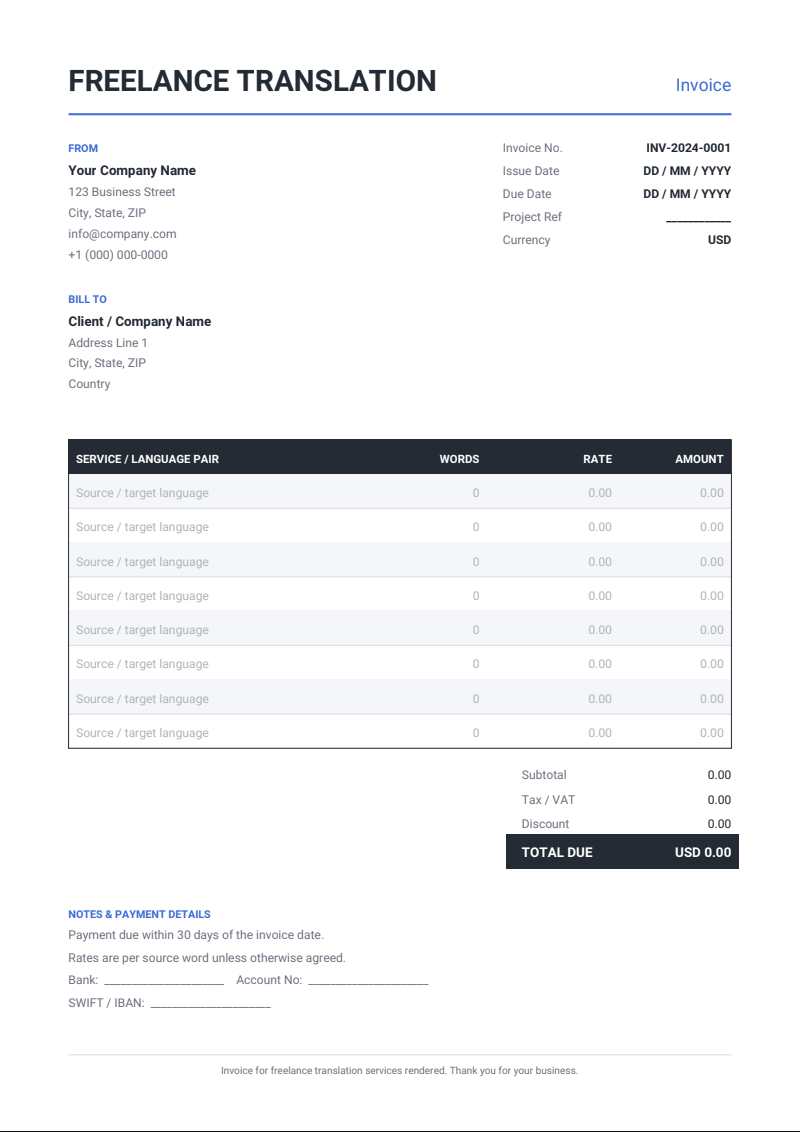
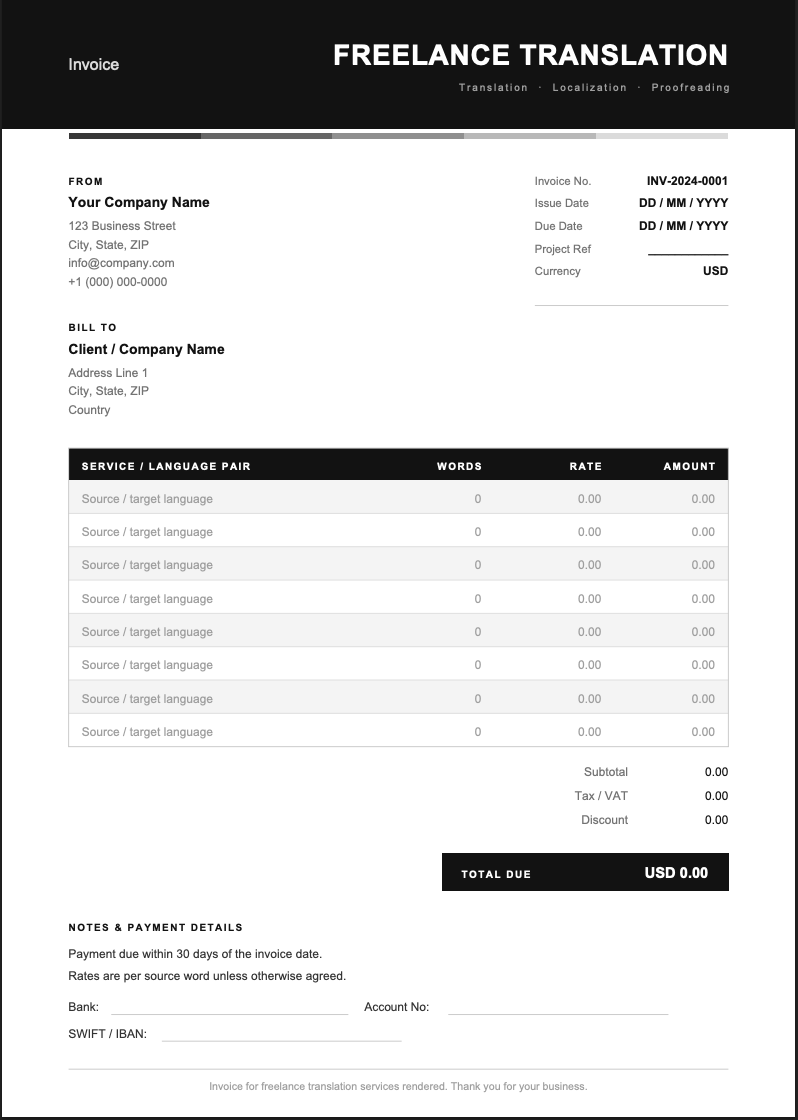
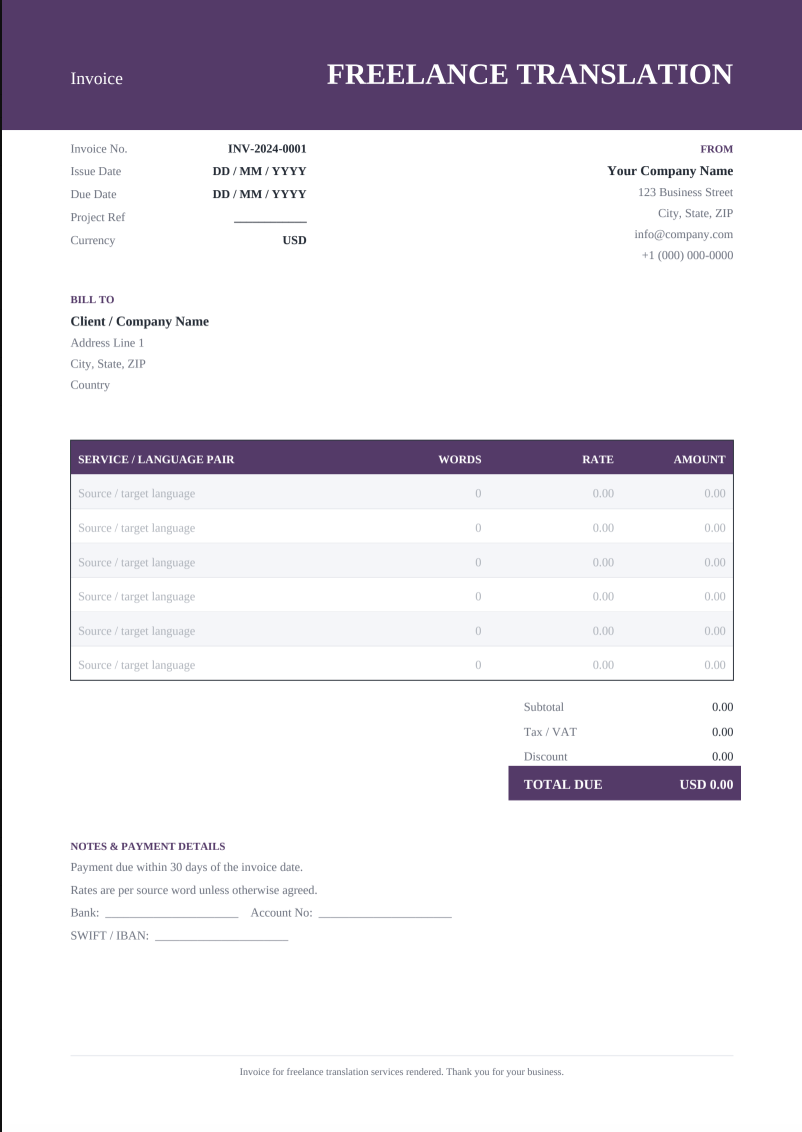
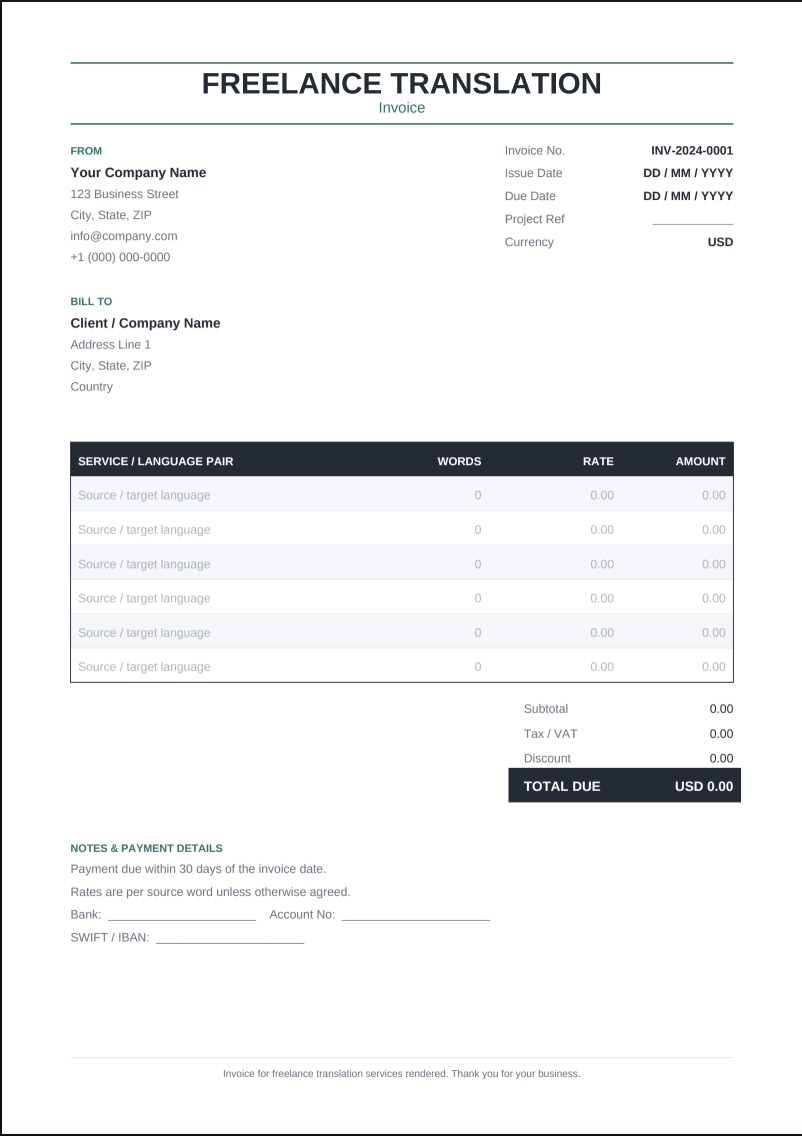
Freelance Translation Invoice Templates—Free To Use
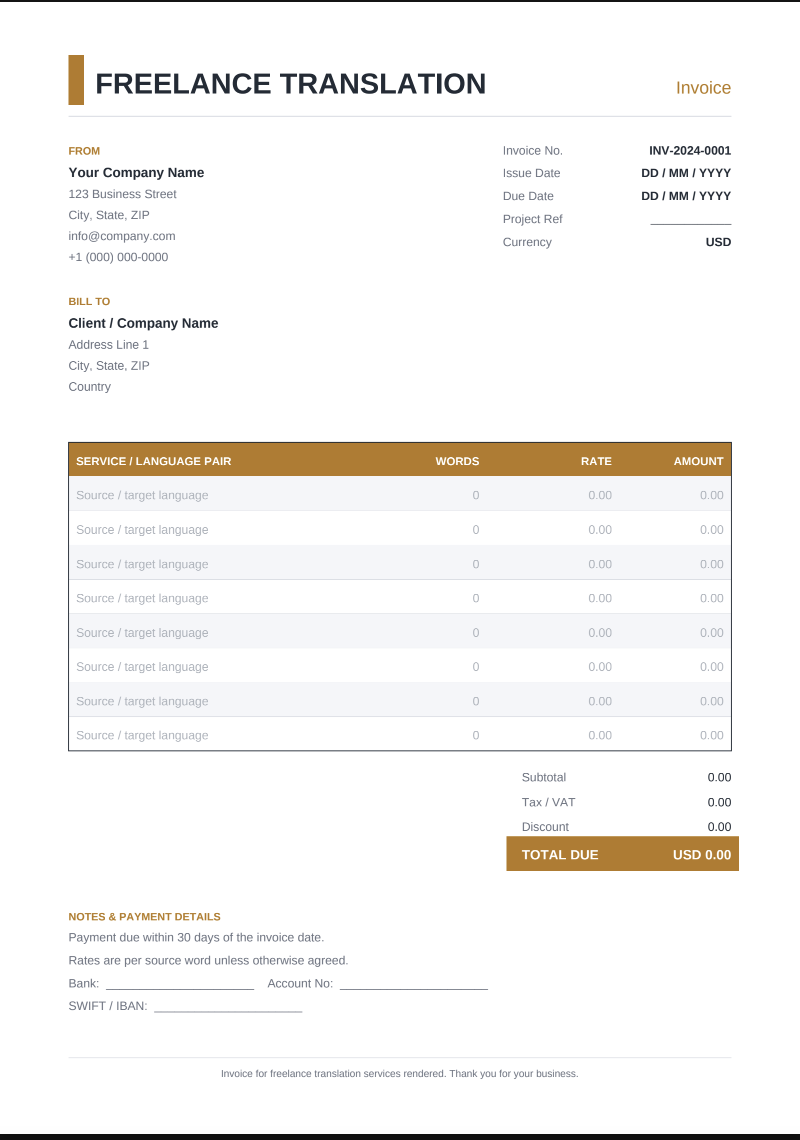
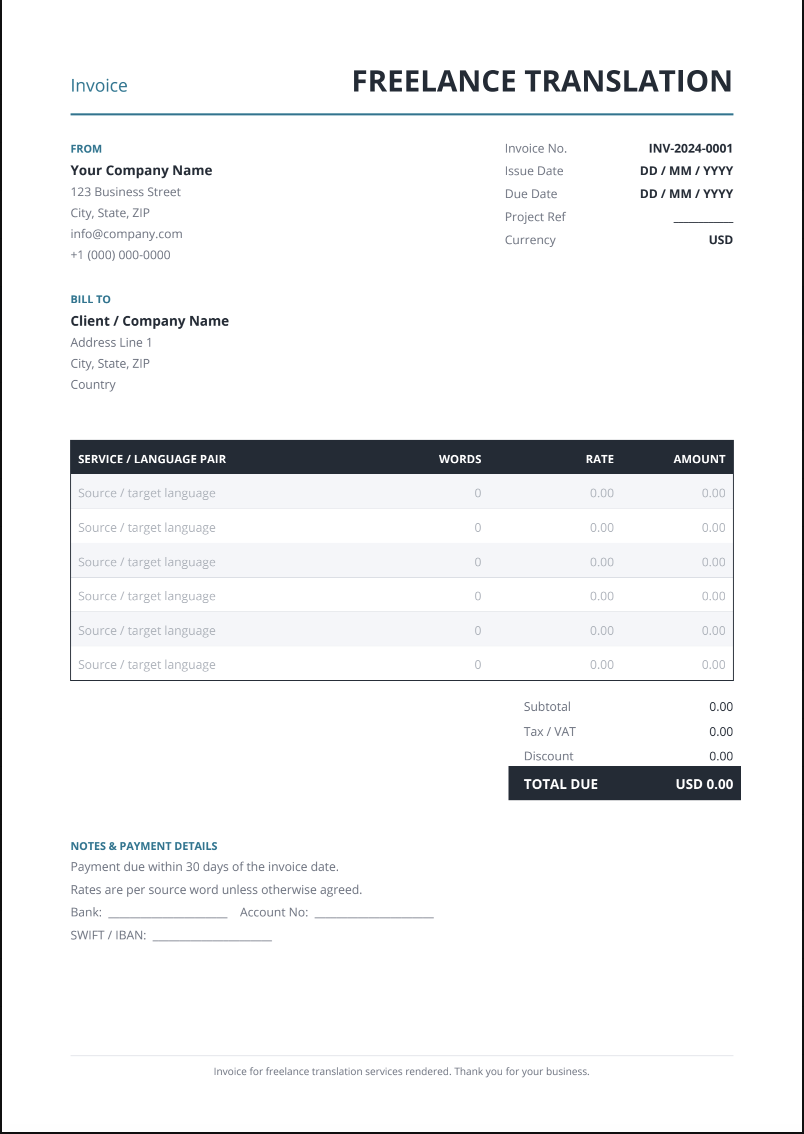
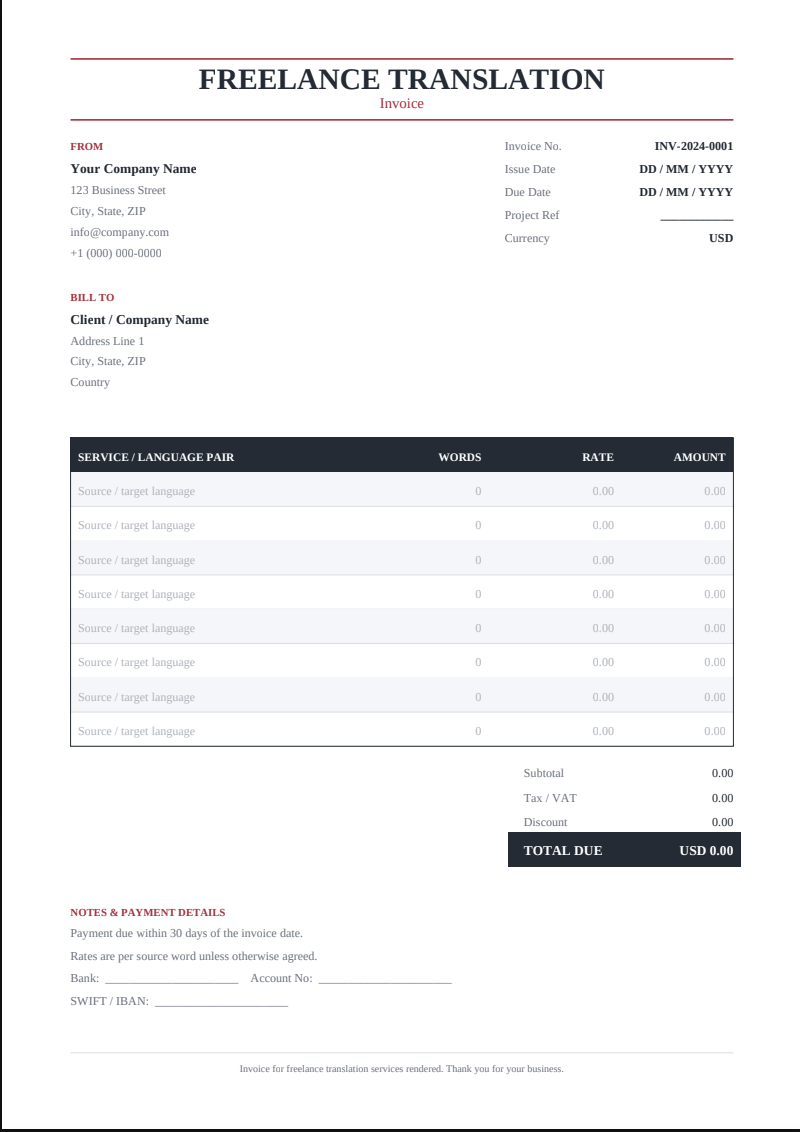
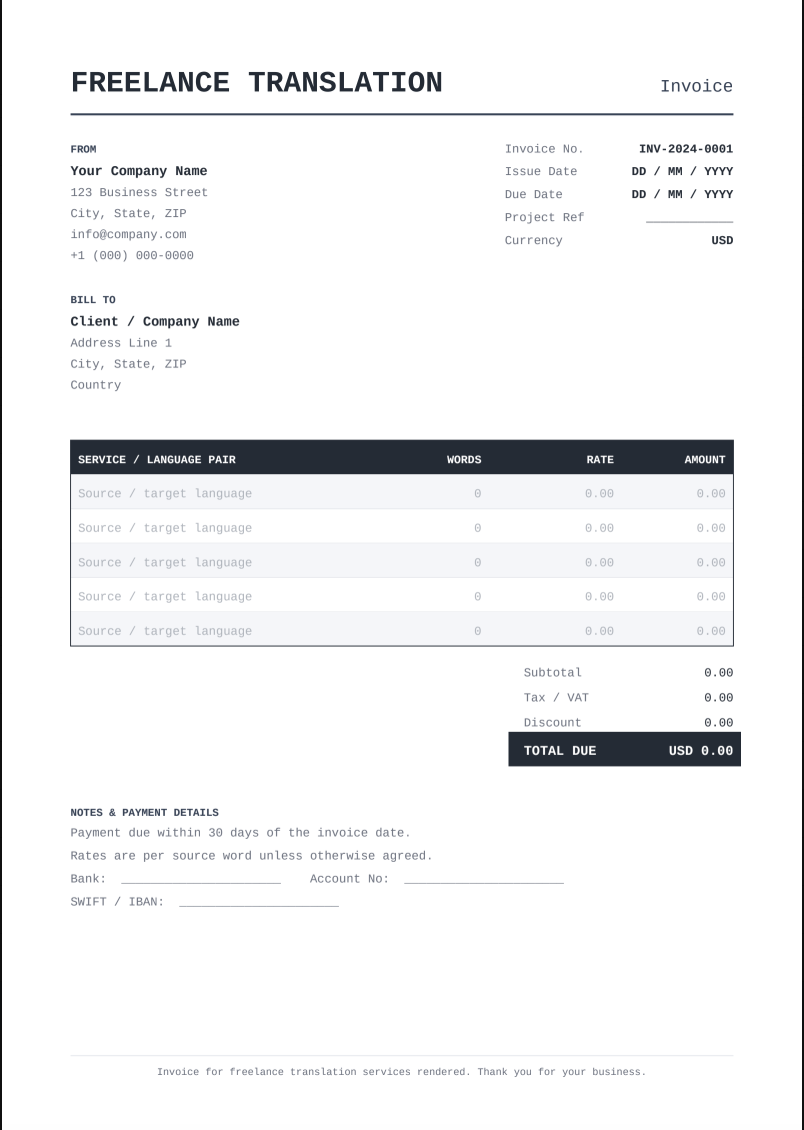
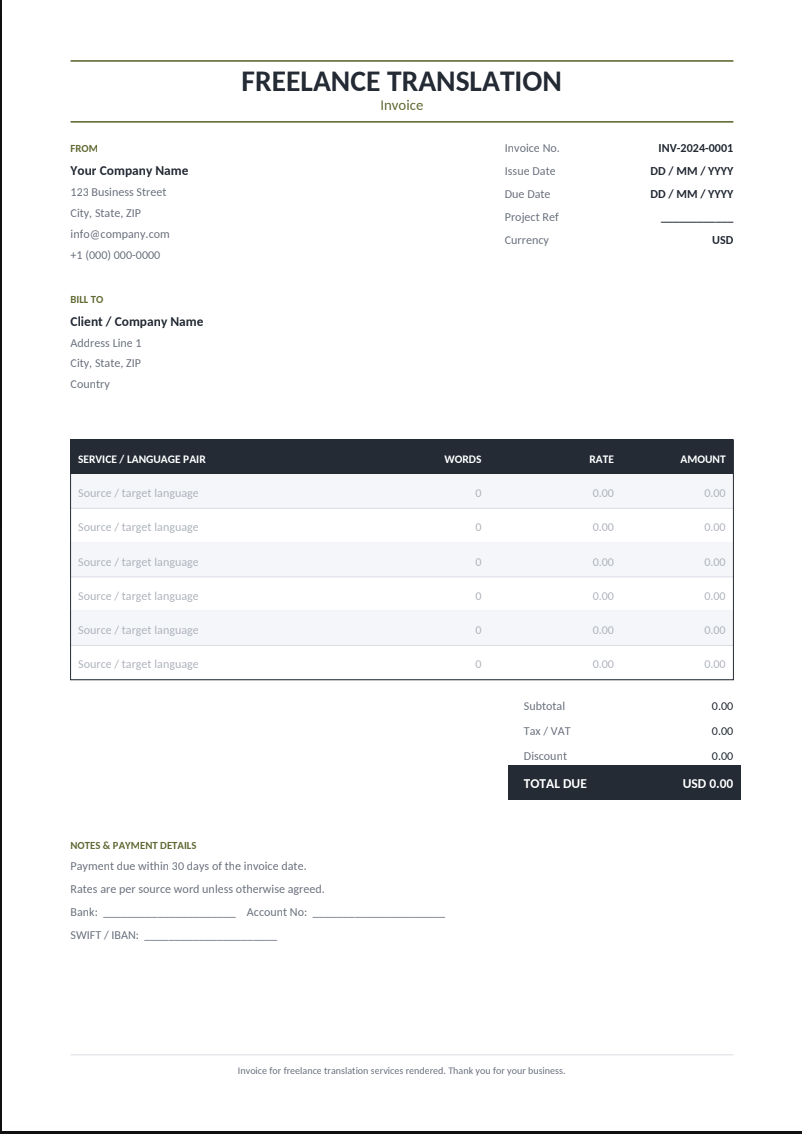
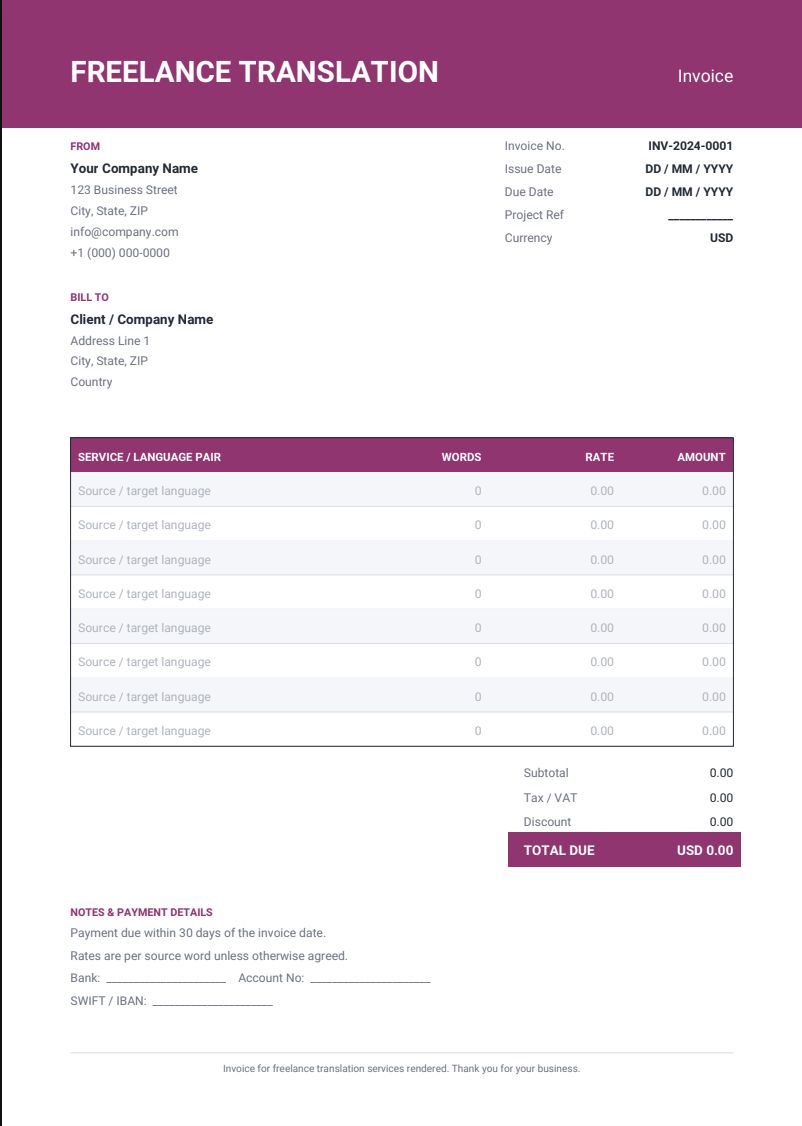
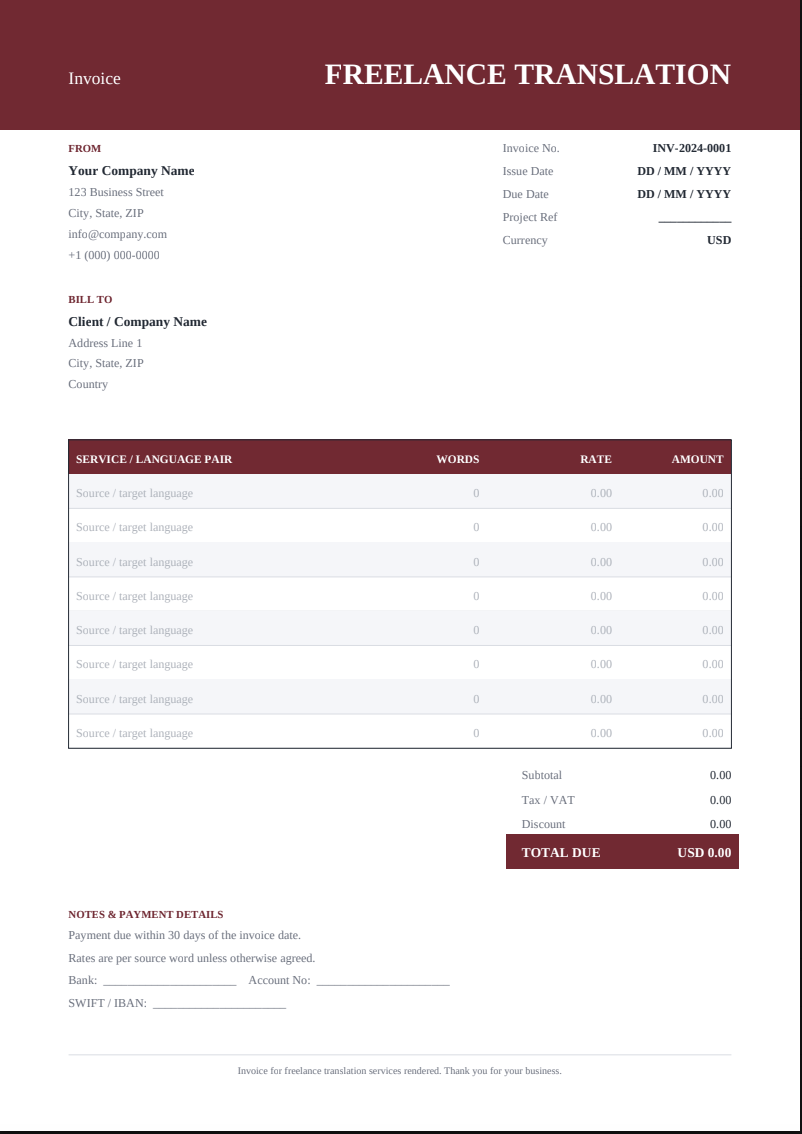
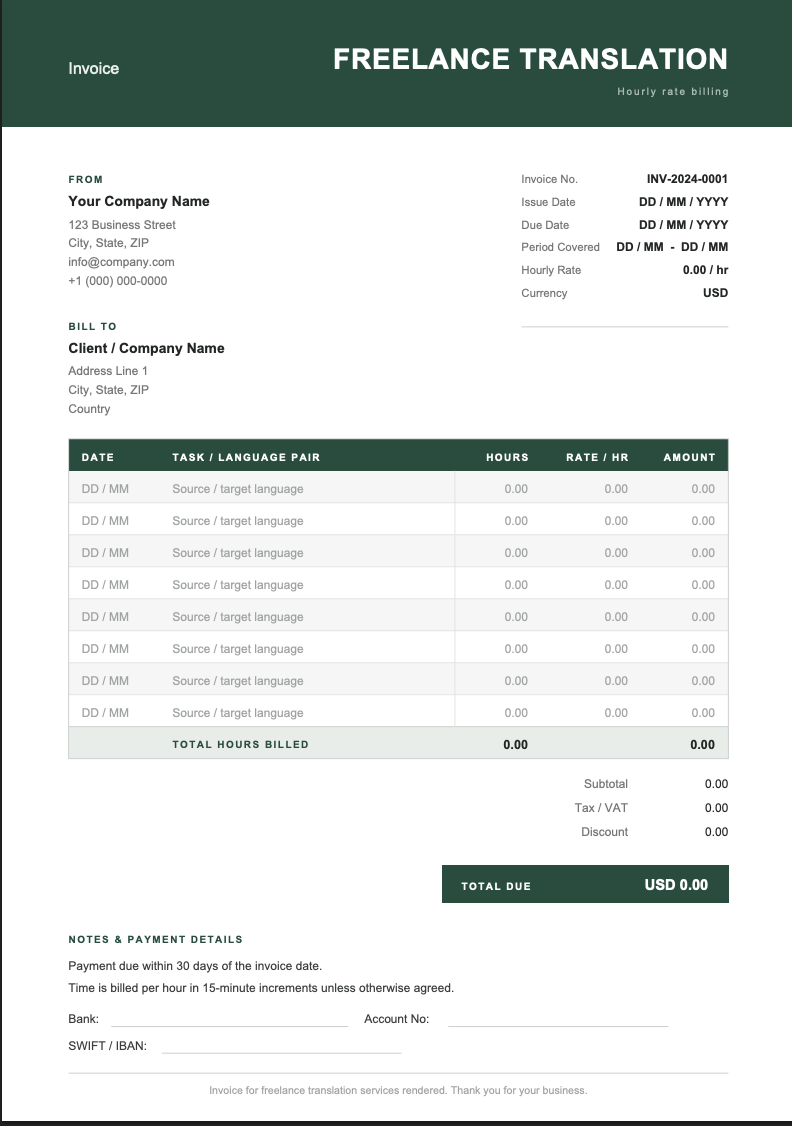
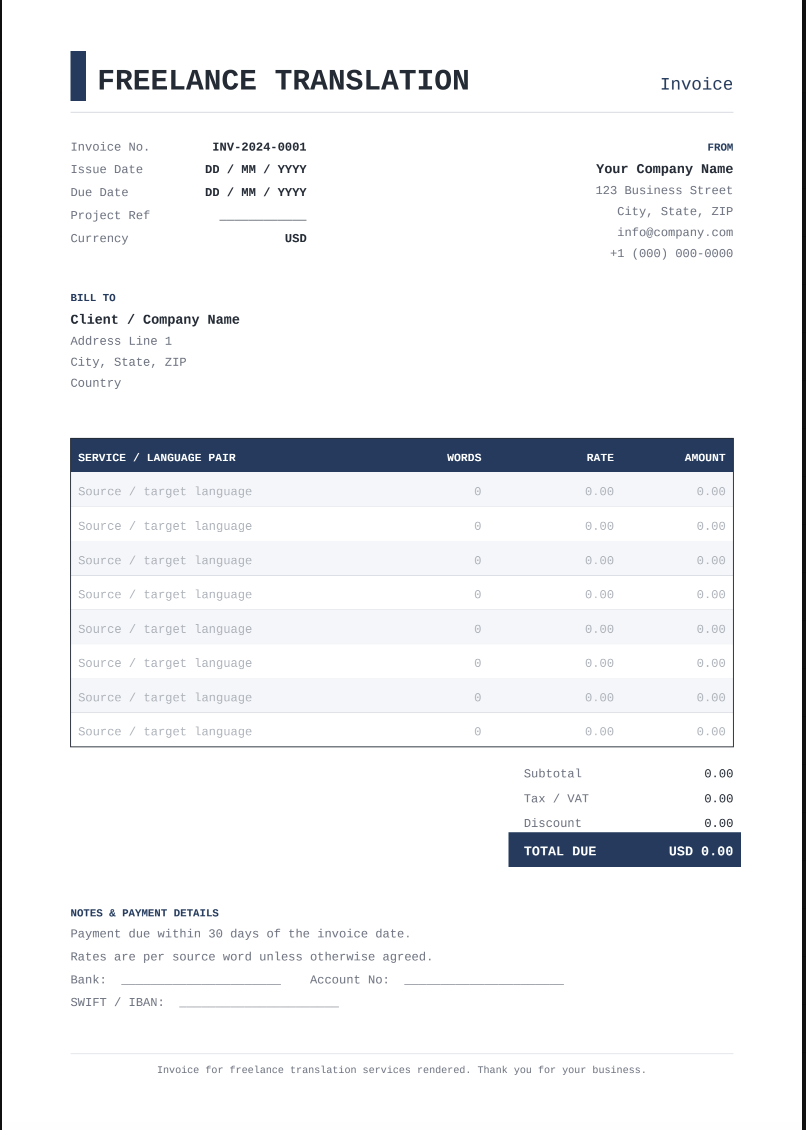
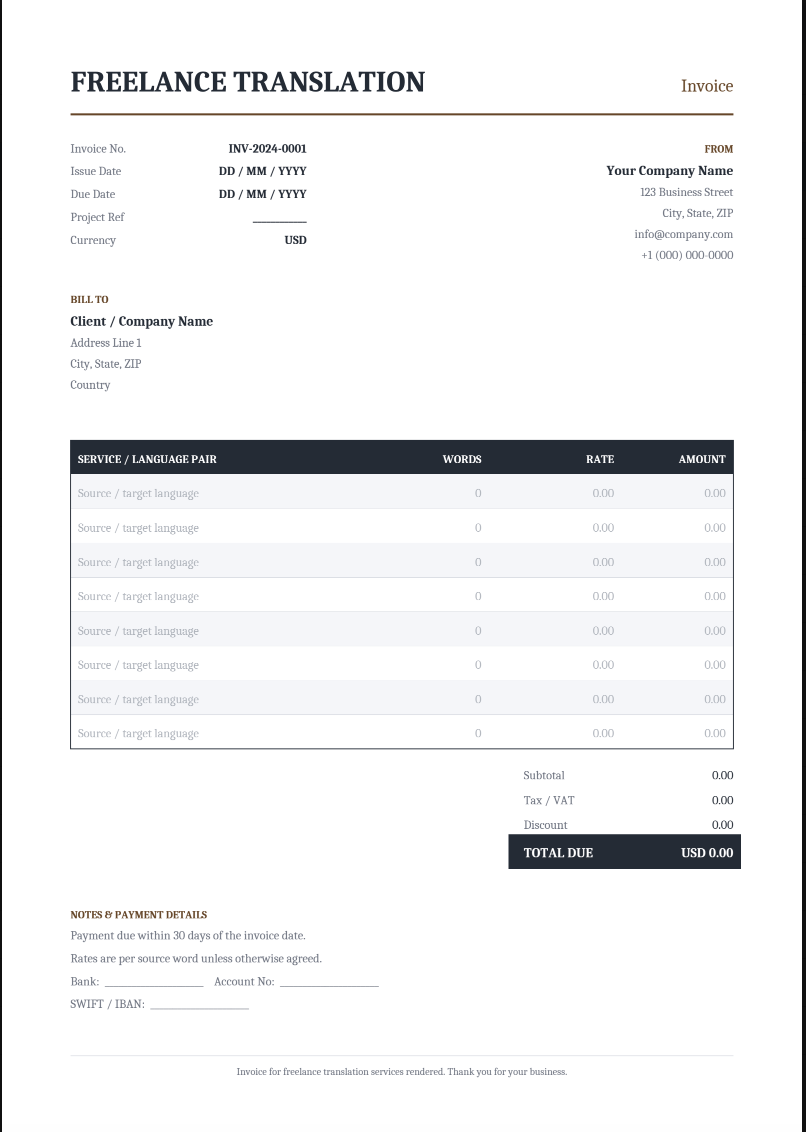
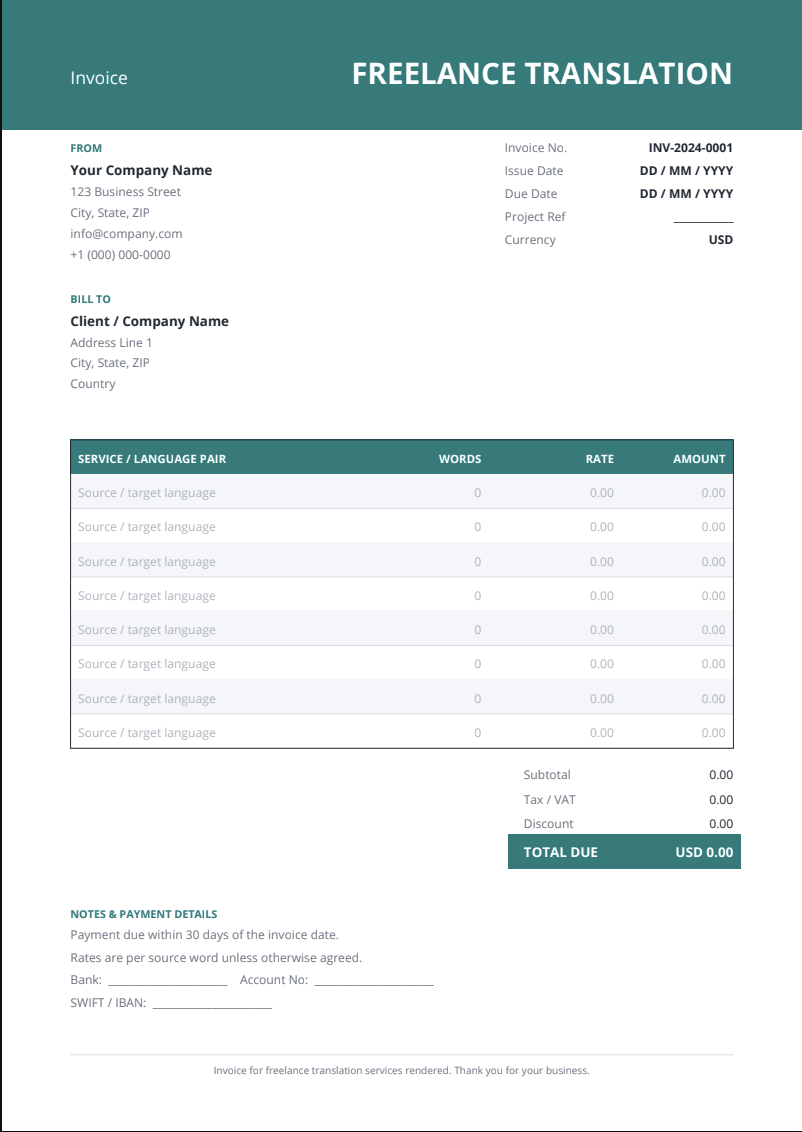
Start editing your invoice right away. All templates here are built around the way translators actually bill, with a line-item table for language pairs, word counts, and rates, plus space for a project reference, VAT, and full international payment details.
Sample Freelance Translation Invoice
If you’ve never sent a translation invoice before, start here. This sample is laid out with the structure clients expect: invoice number, issue and due dates, project reference, currency, and a line-item table with a row for each language pair.

Professional Freelance Translation Invoice Template
A clean header carries your business details, the billing blocks are clearly separated, and the payment section has room for your SWIFT/IBAN, so an international transfer doesn’t stall on missing information.

Basic Freelance Translation Invoice Template
For one-off jobs that don’t need the extras. This single-page template covers the essentials: who you are, who’s paying, what you translated, and what’s owed. It’s the fastest option when you want to bill a client right now.

Editable Freelance Translation Invoice Templates for All
Every template opens in Smallpdf’s PDF Editor, with nothing to install. Add your text, insert your logo, and resize the line-item table to fit the number of language pairs on the job. When you’re finished, you can download the invoice as a PDF, print it, or convert it to Word if a client asks for a different format.
Secure Customizable Freelance Translation Invoice Templates
Your invoices carry your bank details and your clients’ names, so it’s worth knowing how those files are handled. Smallpdf is ISO/IEC 27001-certified, GDPR- and eIDAS-compliant, and every file you work on is transferred over a TLS-encrypted connection.
Freelance Translation Invoice FAQs
Are these freelance translation invoice templates free?
Yes, every one of them. There’s no cost and no limit on how many invoices you create, so you can use a different template for each client if you want to.
Can I convert the freelance translation template to Word or Excel?
You can. Once you have filled in all the details of your invoice, you can convert it to Word or Excel directly in Smallpdf.
Can I add my logo to a freelance translation invoice?
Yes. Open the template in our editor, insert your logo as an image, and scale it to fit the header. It stays in place every time you reuse the file, so you only need to do it once.
Can I edit the template after I download it?
Yes. Upload the file back to Smallpdf whenever a rate, word count, or due date changes, make your edits, and download the updated version.
Should I send my freelance translation invoice as a PDF?
PDF is the safer choice. It holds its layout on any device, and it’s the format most agency accounting systems are built to receive. If the invoice requires a signature, you can e-sign it before sending it, rather than printing, signing, and scanning it.
Can I print a freelance translation invoice template?
Yes. Every template is formatted for standard paper sizes, so you can download and print it as-is. That’s handy if a client still works on paper, or you keep hard copies for your own records.

Document Management Tools for All
Work smarter and faster with Smallpdf’s suite of premium document management tools. Whether a freelancer or a business owner, our tools will help you take your work to the next level.