Can AI Translate PDF Resumes?
Transform any PDF to English in seconds with AI-powered translation. Preserve formatting, tables, and charts with ease. No sign-up required.
More on Translate PDF
AI Tools & Guides
More on Edit PDF
If you need to translate a PDF resume and preserve original layout during translation, including tables, charts, and spacing, Smallpdf can help.
In this article, we’ll show you how. It also works with scanned PDFs using OCR, so you can translate documents like resumes, certificates, contracts, or academic papers without recreating them from scratch.
Translate a PDF to English in a Few Simple Steps
Quick steps: Use the Translate PDF tool below to upload or drag-and-drop your file and translate it to English.
How to Translate a PDF to English Online for Free
Translating your PDF to English is straightforward with Smallpdf’s Translate PDF tool. Our AI technology handles everything from simple text documents to complex layouts with tables and images.
Step 1: Upload Your PDF Document
Open the Translate PDF tool in your browser and upload your document. You can drag and drop the file or select it from your device.
Step 2: Select English as Your Target Language
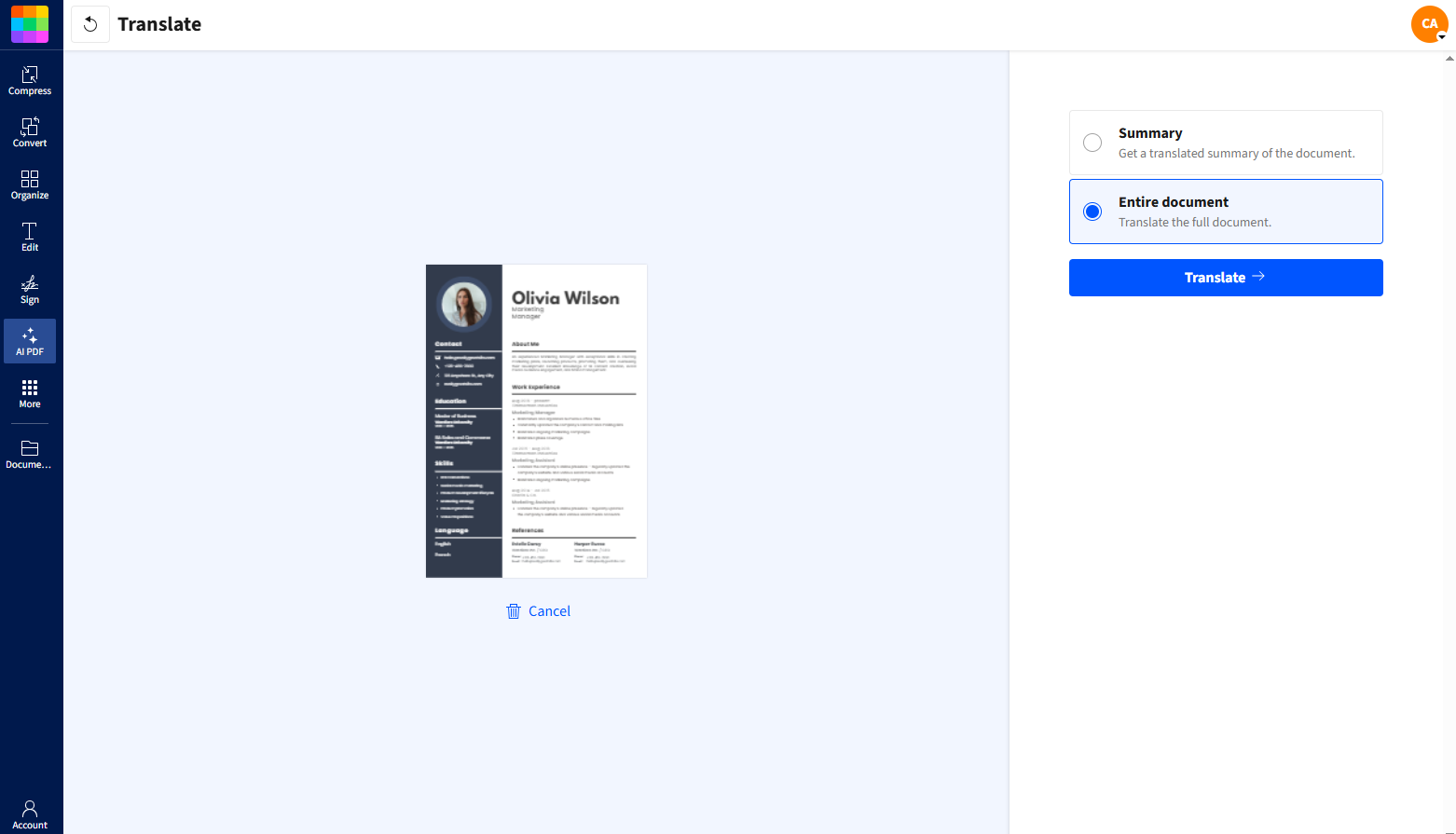
Select English as your target language, then choose whether you want a full translation or a short summary. For a complete result, select the full document and click “Translate.”
Step 3: Download Your Translated PDF
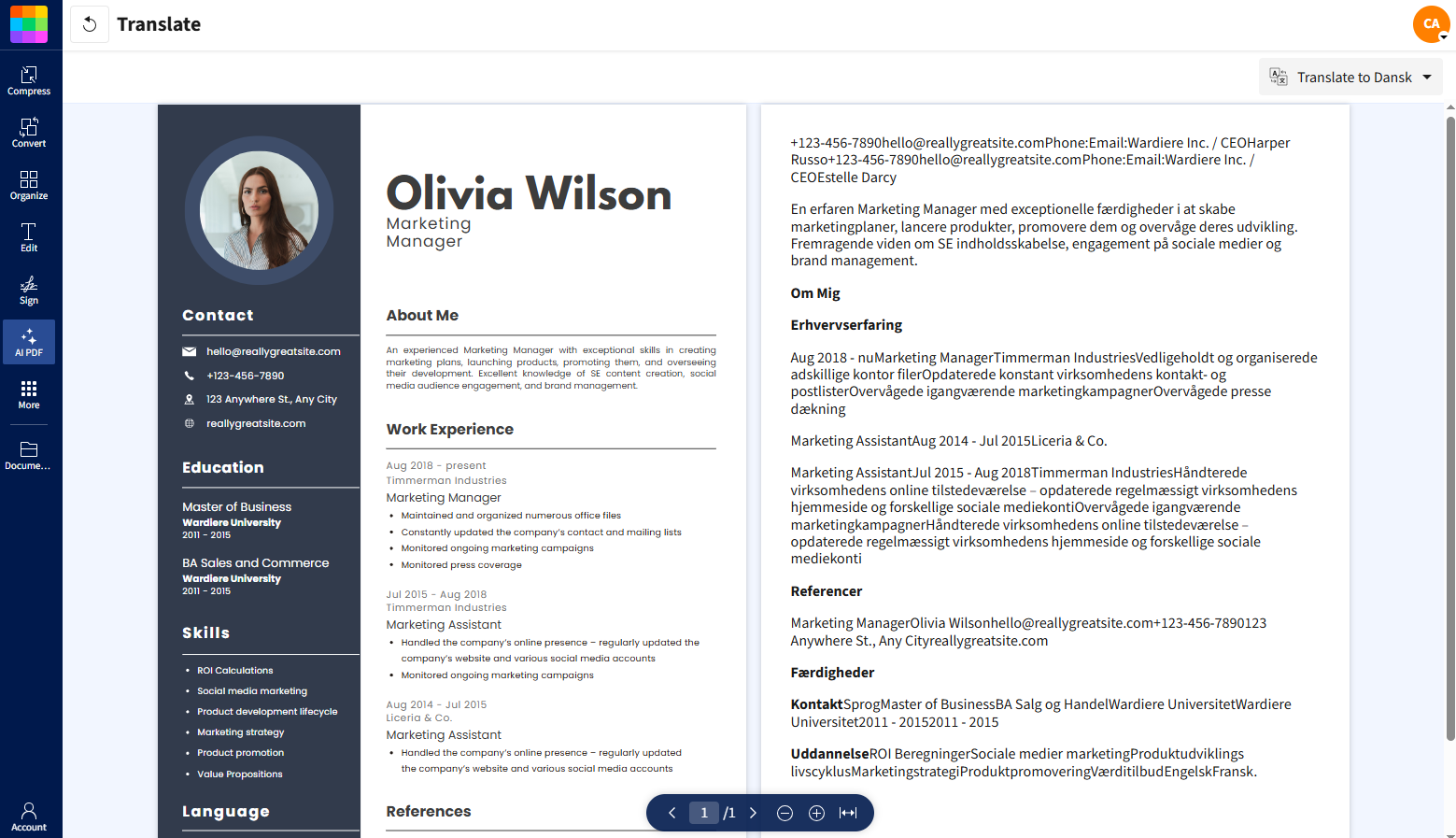
Once the translation is ready, download your PDF. Your layout stays intact, including tables, charts, and spacing.
Benefits of Translating PDFs to English with Smallpdf
Why choose Smallpdf for your PDF translation needs? Our AI-powered solution offers several key advantages over manual translation or basic online tools.
Perfect formatting preservation: Tables, charts, images, and layouts stay exactly as they were in your original document.
Lightning-fast results: Get professional translations in seconds, not days.
Smart context understanding: Our AI recognizes context and industry terminology for more accurate translations.
Multiple file format support: We support PDFs, Word docs, PowerPoints, and more.
No technical skills required: Use a simple drag-and-drop interface that requires no explanation.
Perfect for translating academic research papers, business contracts, technical manuals, or personal documents like certificates and legal papers.
Why Smallpdf Works Better for Real PDF Translation
Many online translators are built for plain text. They handle words well, but struggle with real documents. That’s where Smallpdf is different.
Smallpdf translates PDFs directly in your browser, so there’s nothing to install and no files moving between apps. Your document structure stays intact, including tables, columns, and spacing that often break in text-only translators. Scanned PDFs are supported too, thanks to built-in OCR, which removes the need to recreate documents by hand.
You can translate a full PDF without creating an account, and your files are deleted automatically after processing. That makes it a practical option for resumes, contracts, and other documents where layout, speed, and privacy are important.
Key Translation Features for English PDFs
Our full PDF toolkit includes advanced translation capabilities designed specifically for document workflows.
Summary vs full translation: Choose quick summaries for document review or complete translations for detailed work.
Batch processing: Translate multiple documents at once to save time.
Cloud integration: Connect with Google Drive, Dropbox, and OneDrive.
Mobile compatibility: Translate PDFs on any device, anywhere.
Translate Scanned or Image-Based PDFs to English with OCR
Got a scanned document or PDF that’s essentially an image? No problem. Our Optical Character Recognition (OCR) technology reads text from images and scanned documents, then translates it to English.
This is perfect for old contracts, photographed documents, or PDFs created from scanned paperwork. The OCR process extracts the text first, then our AI translation engine converts it to English while attempting to preserve the original layout.
Common use cases include scanned legal documents, old business contracts, academic certificates, and historical papers that need English translation for modern use.
Privacy and Security When Translating PDFs Online
We take your document security seriously. All PDF translations are protected with enterprise-grade security measures:
TLS encryption: Your files are encrypted during upload and processing.
Automatic deletion: All documents are permanently deleted from our servers after about an hour of processing.
GDPR compliance: Stay in full compliance with European data protection regulations.
ISO/IEC certification: Industry-standard security protocols protect your sensitive information.
No data retention: We don’t store, analyze, or use your documents for any purpose beyond translation
Your confidential business documents, personal papers, and sensitive information stay private throughout the entire translation process.
Popular PDF Translation Pairs
Start Translating Your PDFs to English Today
Ready to translate your documents to English? Start your free trial to access all Smallpdf tools and translate unlimited PDFs with premium features like batch processing and priority support.
Want to Translate Your PDF Resume
Frequently Asked Questions
Can AI translate PDF resumes accurately?
AI can translate PDF resumes accurately when the layout and wording are preserved. Smallpdf keeps the structure of your resume intact while translating the text, which helps maintain a professional format.Will my resume layout change after translation?
No. The translated PDF keeps the original layout, including headings, spacing, tables, and alignment. This is especially important for resumes, where formatting affects readability.Can I translate a scanned or image-based resume?
Yes. If your resume is scanned or saved as an image, Smallpdf uses OCR to read the text before translating it. This allows you to translate documents that aren’t text-based.Is it safe to upload resumes and personal documents?
Yes. Files are encrypted during processing and deleted automatically after translation. Your documents are not stored or reused.Do I need to edit the translated resume after downloading it?
It’s a good idea to review the translation, especially for job titles, names, or industry-specific terms. You can download the translated PDF as-is or make final edits if needed.Translate resumes accurately using Smallpdf
Related Articles
